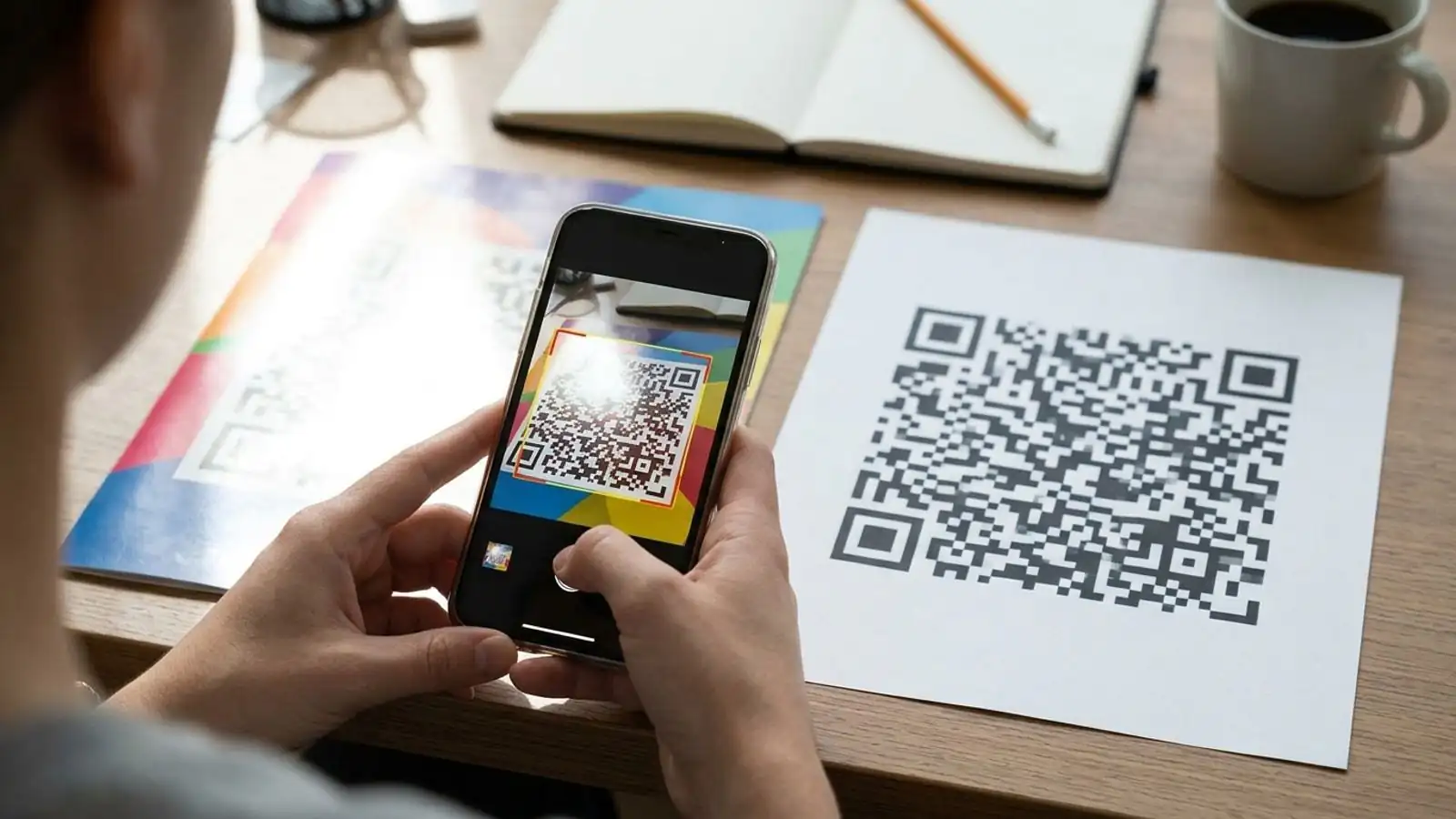
Static QR Codes Are a Print Trap — Here’s When Dynamic Wins Every Time
Static vs dynamic QR codes for print: why fixed codes turn typos and dead links into reprints, when an editable QR destination pays off, and the rare cases where static is still the right call.
Mike · · · 10 min read · 2,196 words
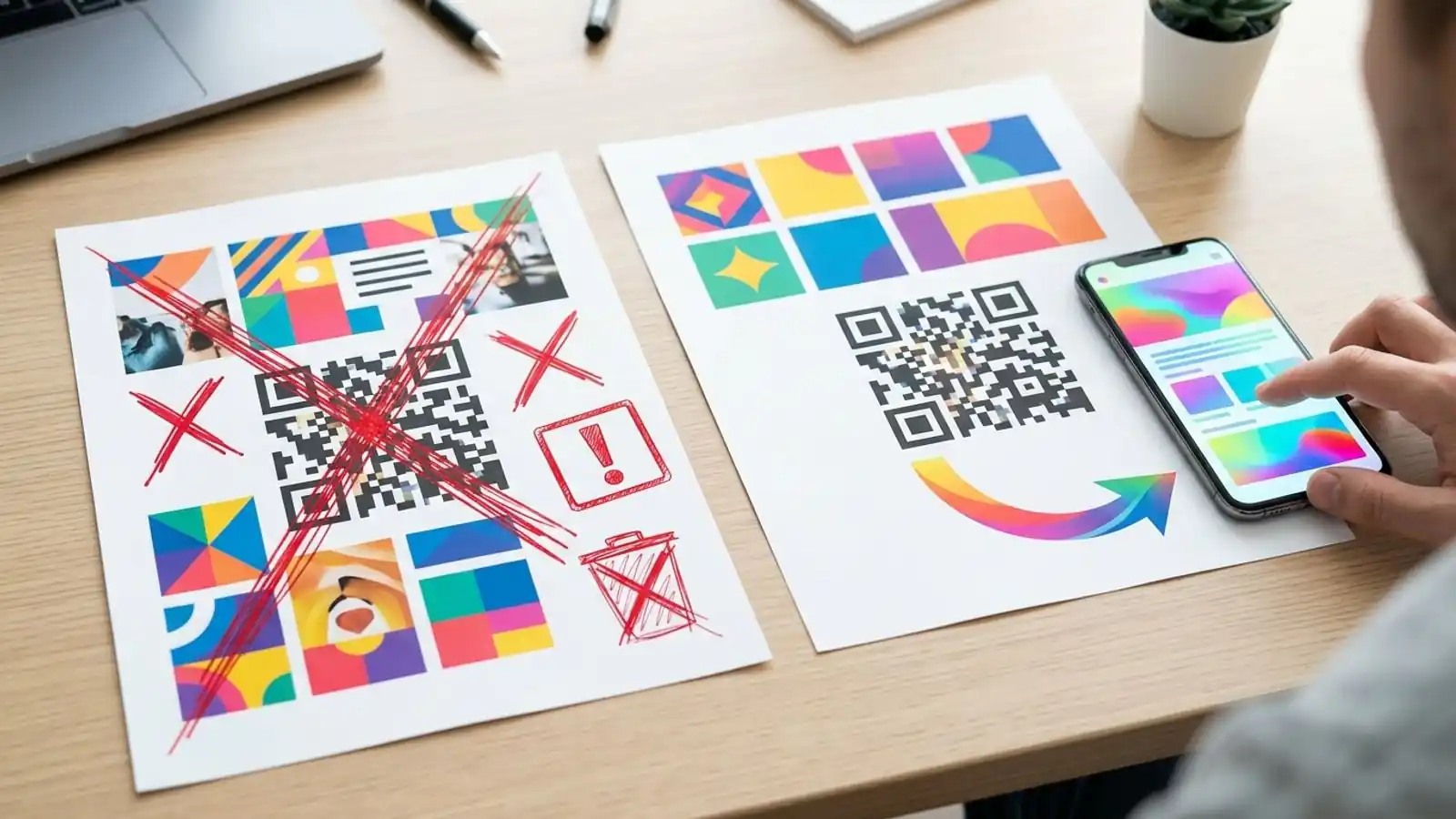
The short answer
If a QR code is going onto something you can't cheaply reprint, like packaging, signage, direct mail, menus, or event collateral, and it points to a web page, use a dynamic code. Once a static code is printed, everything it encodes is locked in. That includes typos, URLs that later expire, and the lack of any redirect-service analytics.
Static codes still have real uses, and some of them are covered below. The problem is that static is usually the default choice, made before anyone has asked how long the printed piece will be around. This guide compares static vs dynamic QR codes with that question in mind.
What actually differs between static and dynamic QR codes
Both types use the same symbology. A phone camera reads them the same way, and you can't tell them apart by looking. The difference is what the pattern encodes.
Static QR codes
A static code stores the final payload in the modules themselves. That payload might be a full URL, a block of text, Wi-Fi credentials, or a vCard.
- The data is fixed once it's encoded. Changing it means making a new code.
- Scanning works without any third-party service in the middle. The phone decodes the data and acts on it.
- Longer payloads need more modules. Long URLs with UTM parameters produce denser codes.
- There's no QR redirect service involved, so there are no redirect-service analytics. If the code holds a URL and the person opens it, their browser sends a request to that destination, and the destination's server logs or web analytics may record the visit.
Dynamic QR codes
A dynamic code stores a short redirect URL. Scanning may only decode the code or show a preview. When the person opens the link, the phone generally requests that redirect URL, and the redirect service sends the visitor on to whatever destination you've set.
- Editable QR destination: you change the target in a dashboard and the printed code stays the same.
- Scan analytics: each opened link generates an HTTP request to the redirect service, so the service can log counts, timestamps, and request-level details such as approximate device or region. Requests can also come from link previews or automated systems, so not every logged request is a human scan.
- Short payload: the encoded URL stays short, so the code stays relatively sparse however long the final destination URL is.
- Dependency: the redirect has to keep working. If the service shuts down, the printed codes stop resolving. Whether they keep resolving after your plan lapses depends on the provider's cancellation and redirect-retention terms.
The last point is the real trade-off, and there's a section on handling it below.
Why static codes become a print trap
The "trap" is that static codes look free and simple when you're designing the piece. The costs show up later, after the print run.
1. Errors are permanent
A wrong character in the URL, a staging domain left in, a broken UTM string, or an http link to a site that has since changed its setup: with a static code, every one of these is printed into every copy. You can only fix it by reprinting, putting a sticker over it, or keeping a redirect on the old URL indefinitely.
2. URLs don't last as long as paper
Campaign landing pages get removed. Sites get re-platformed. Product pages change slugs. Promotions end. Meanwhile a brochure stays on a counter for a year and packaging sits in pantries even longer. Once the encoded URL dies, the code is a dead end on every copy that's still out there.
3. Long URLs make denser codes
As the payload grows, a QR code needs a higher version (more modules per side). At a fixed print size, more modules means each one is smaller. That gives you less tolerance for low-resolution printing, curved surfaces, glossy laminate, and older phone cameras. A static code with a long tracked URL gets the worst of this. A dynamic code's short redirect keeps the module count lower, which leaves more room at small sizes.
4. Measurement is limited
Static codes have no redirect-service analytics. You can partly work around this by adding UTM parameters and reading them in your web analytics, or by encoding a separate URL for each placement so visits can be attributed. That only captures visits that load your page and pass consent rules, and longer URLs make the code denser (see point 3). If you need to know whether the poster in Location A outperformed the one in Location B, plan placement-specific URLs or use dynamic codes.
5. Reprinting can cost more than software
Reprint costs vary a lot. Depending on the job, a single reprint (materials, labor, distribution, plus the time the bad version spent in circulation) can cost more than several months of a dynamic QR subscription. Compare your own print, distribution, and subscription costs to see where the balance falls for your project.
Dynamic QR code benefits that matter on paper
Some dynamic features matter more for print than others. These are the ones that carry real weight in a qr print campaign:
- Fix mistakes after printing. A wrong destination becomes a quick dashboard edit instead of a reprint.
- Reuse printed assets. One printed code can point to a seasonal menu, then the next promo, then an evergreen page. The sign doesn't change.
- Route during an outage or migration. If the landing page breaks during a site launch, you can point the code to a working fallback.
- Compare placements. Give each placement, region, or mail drop its own dynamic code and compare scan counts directly.
- Keep codes scannable at small sizes. Short encoded URLs let you print smaller, or print the same size with more margin for error.
- Retire codes cleanly. When a campaign ends, send the code to a relevant current page rather than a 404.
Decision table: static vs dynamic QR codes
Use this table as a starting point. If any row on the dynamic side describes your piece, choose dynamic.
| Situation | Static | Dynamic | Why |
|---|---|---|---|
| Printed packaging, labels, or product inserts | ✗ | ✓ | Long shelf life, and reprinting is expensive |
| Direct mail, flyers, posters | ✗ | ✓ | Errors can't be fixed, and you'll want per-drop measurement |
| Restaurant menus or table tents | ✗ | ✓ | Menus and ordering links change often |
| Event signage and badges | ✗ | ✓ | Schedules and links change, sometimes on the day |
| Trade-show booth or out-of-home placements | ✗ | ✓ | Placement comparison and fallback routing |
| Destination URL likely to change in the next 12 months | Only via your own redirect | ✓ | You need an editable destination: a dynamic code, or a static code pointing to a URL on a domain you control and can redirect |
| You need scan counts or placement attribution | ✗ | ✓ | Static codes have no redirect-service analytics |
| Very small print area with a long URL | ✗ | ✓ | A shorter payload means fewer modules |
| Wi-Fi network credentials on a sign | ✓ | — | Data is read on the device, with no web destination |
| vCard or plain text meant to work offline | ✓ | — | Content is embedded and needs no redirect |
| Short-lived digital use (screen share, one-off slide) | ✓ | Optional | Nothing is printed, so nothing to get stuck with |
| Permanent URL on a domain you control and redirect yourself | ✓ | Optional | You're running your own dynamic layer |
| Strict no-third-party-request requirement | ✓ | ✗ | A redirect adds a request you may not be allowed |
When static is genuinely the better choice
Dynamic wins for printed material that points to a web destination when you need editability or redirect-service analytics. Outside that scope, static is often better.
- Non-URL payloads. Wi-Fi join codes, contact cards, geo coordinates, and plain text work fine as static. A redirect adds nothing, and the code works with no network.
- Your own redirect layer. Say you encode a short, permanent URL on your own domain (for example
yourbrand.com/go/spring) and manage the redirect on your own server. That's effectively a self-hosted dynamic code. You keep editability, and you build analytics yourself. - Privacy- or compliance-sensitive contexts. Some environments don't allow a scan to pass through an external service. Static avoids that hop.
- Throwaway digital use. A code shown on a slide for 30 seconds doesn't need to be editable.
On Max QR, static codes are free. That includes custom colors, logos, and PNG or SVG export, and you don't need an account for basic generation. If one of the cases above fits, there's no reason to pay for dynamic.
The trade-offs of dynamic you should plan for
Dynamic codes carry their own risks, so plan for them before you print.
Redirect dependency
A dynamic code only resolves while its redirect keeps operating. Some providers require an active account for that, and others keep redirects running after cancellation, so check the service's cancellation and redirect-retention terms. For long-lived print:
- If your provider ties redirects to an active plan, budget for the subscription for at least as long as the printed piece will be in circulation.
- Consider a custom domain for the short link, so the printed URL is on a domain you own. That makes the code less tied to any single vendor's domain. On Max QR, custom domains are part of the Business plan.
Privacy and consent
Logging scans means processing request data. Say so in your privacy notice where your jurisdiction requires it. Avoid putting personal identifiers in destination URLs, and treat scan analytics as aggregate signals, not tracking of individuals.
An extra hop
A redirect adds one network round trip before the destination loads. On a reasonable connection this is rarely noticeable. Even so, test on mobile data at the actual location, especially in basements, stadiums, and rural venues.
Scan analytics aren't web analytics
A scan is logged when the redirect is requested, whether or not the destination page fully loads. Some logged requests may come from link previews or automated systems rather than people scanning. Expect scan counts and landing-page sessions to differ. Use scans to compare placements and your web analytics to measure what visitors did after arriving.
Pre-print checklist for any QR print campaign
Go through this before you approve a proof, whichever code type you use:
- Choose the type on purpose. Use the decision table above. If you're unsure, default to dynamic for printed web destinations.
- Use one code per placement when you want to compare performance (store, region, mail drop, poster location).
- Point the code to a stable destination. Even with dynamic, link to a page that won't disappear the week after launch.
- Keep the quiet zone. The QR specification calls for a clear margin of four modules around the code. Don't let design elements crowd it.
- Check contrast. Use dark modules on a light background. Inverted or low-contrast color schemes fail on some scanners.
- Match error correction to the design. Higher levels (Q or H) tolerate logos and minor damage, but they can require a higher QR version for the same payload, which increases the module count. Re-check density at your final size.
- Size for the scanning distance. A common rule of thumb is that scan distance should be no more than about ten times the code's width, with a practical minimum of roughly 2 cm (about 0.8 in) for close-range print. Treat these as starting points and confirm with real tests.
- Export vector for print. Send SVG to printers when possible so modules stay sharp at any size.
- Test the printed proof on several phones, including older ones, under the actual lighting. Gloss, foil, and curved surfaces cause failures that screens don't show.
- Add a call to action and a fallback. Put a short line near the code saying what scanning does, plus a typed short URL for people who won't or can't scan.
- Write down an end-of-life plan. Decide where the code will point after the campaign ends, and who owns the account.
Scaling beyond a handful of codes
When a campaign covers hundreds of locations or SKUs, creating codes one at a time becomes a source of errors. Bulk generation from a CSV, an API that can create and update destinations, and shared team workspaces keep large print programs consistent. On Max QR these are part of the Business plan. Platforms that want to offer QR generation under their own brand can use the white label program, which runs on prepaid credits instead of a subscription.
Try it on Max QR
If your next print job points to a web page, set it up as a dynamic code before it goes to the printer. That way you can still change where it leads after it's printed.
- Create a dynamic code in your dashboard. Pro (about $19/mo, or about $15/mo billed yearly) includes dynamic codes, destination editing, scan analytics, and saved projects.
- Compare plans if you need bulk CSV, custom domains, or the developer API.
- Read the docs for export formats, error correction, and API details.
- Just need a free static code? Generate one on the homepage. No account required.
Try it on your campaign
Design a QR code in the browser — the same workflow we write about.