Stop Building QR Generators: White-Label Is How Platforms Ship Branded Codes in Days
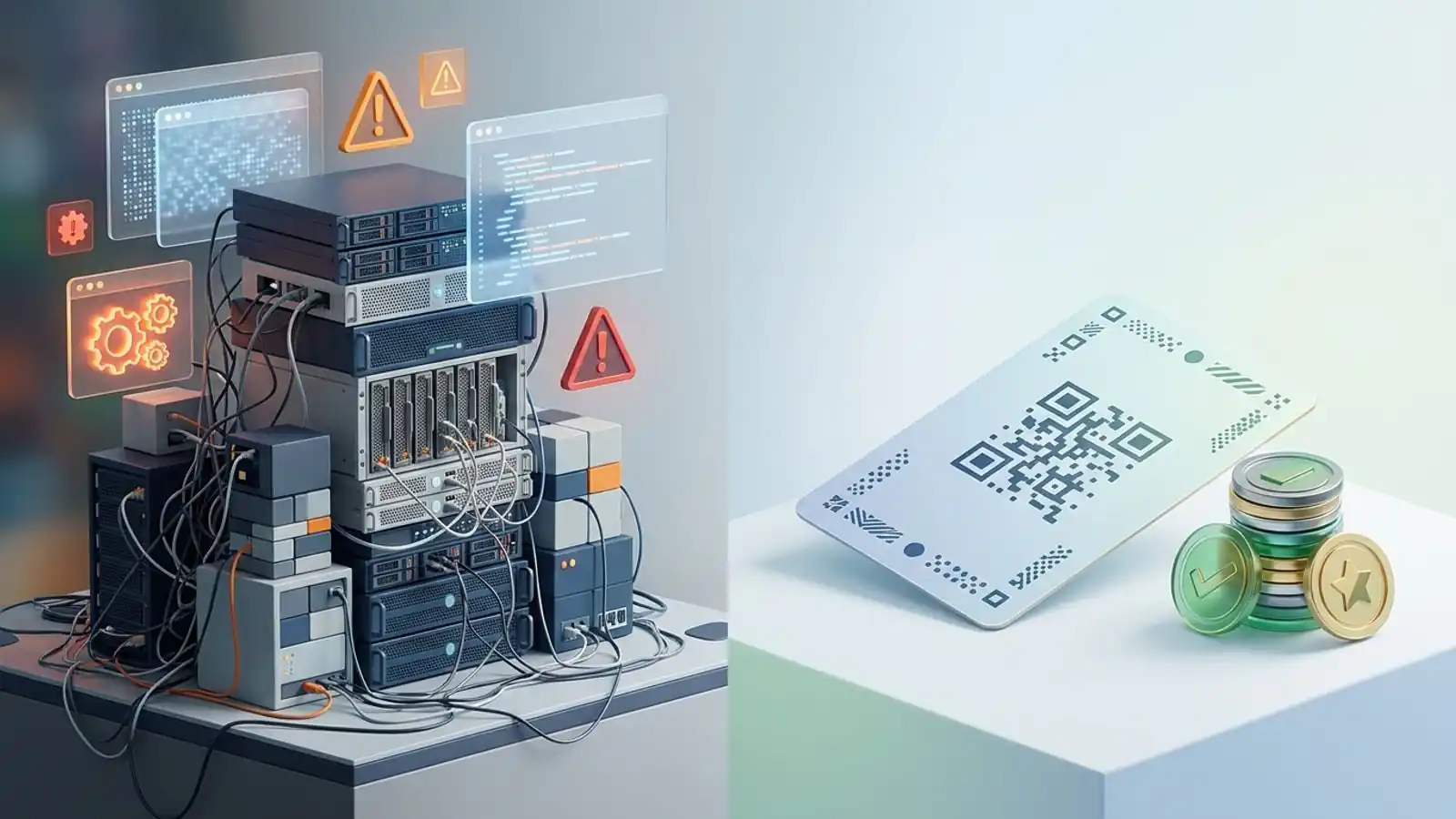
A build-vs-buy guide to QR infrastructure for platforms. See what in-house building really involves, and how a white label QR code API with prepaid credits from $70 puts branded codes in your product.
Mike · · · 10 min read · 2,078 words
Why "just build it" keeps showing up on roadmaps
Any platform that deals with print, packaging, events, menus, or field operations eventually gets the same ticket: "Let customers make QR codes in our app." On a whiteboard it looks like an afternoon's work. An open-source encoder turns a string into a matrix, you render it to PNG, and you're finished.
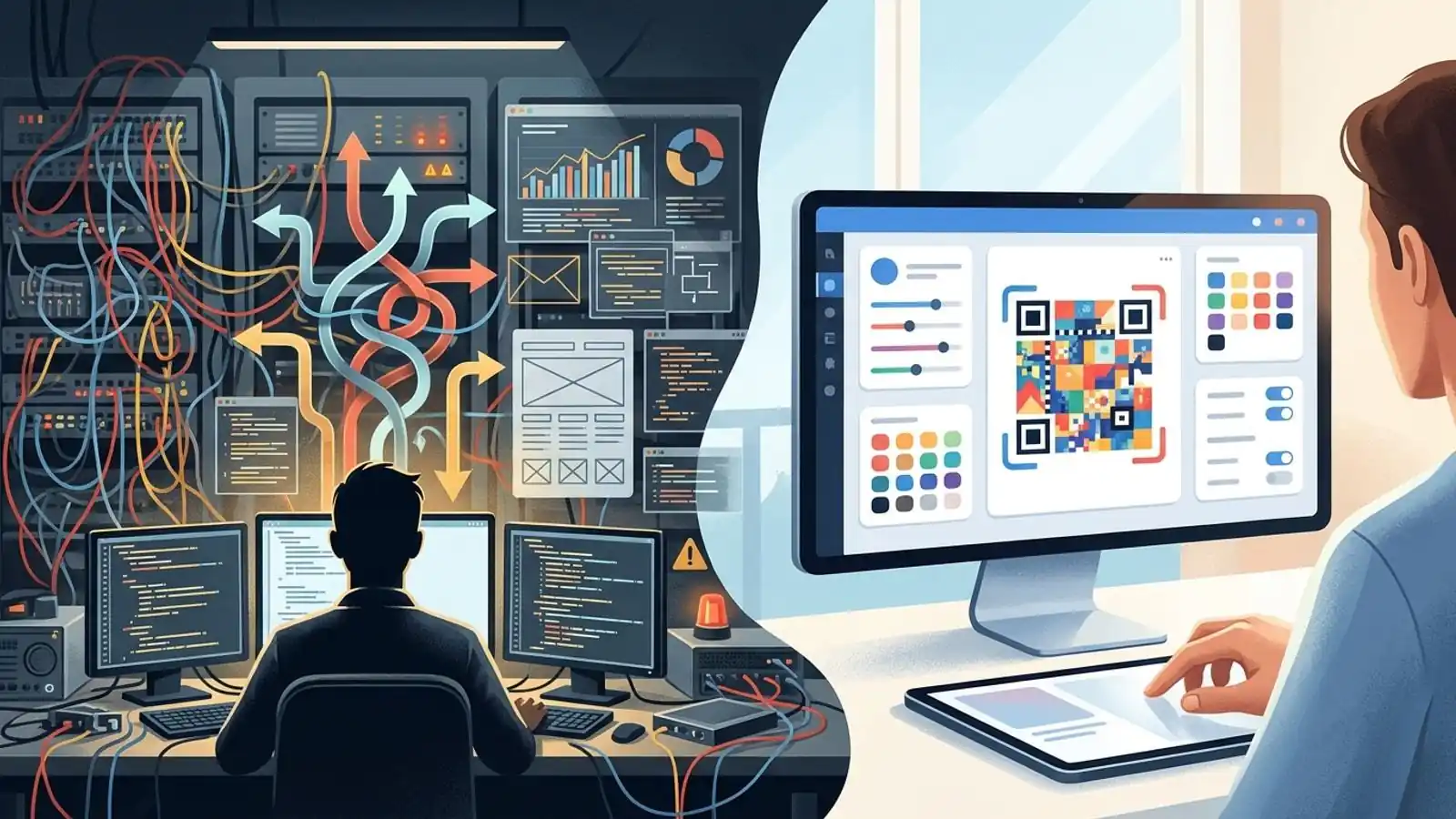
Then the second ticket arrives. Customers want to change where a code points after it's printed. The third ticket asks to see scans. After that come bulk uploads, custom colors that still scan, a logo in the middle, SVG for the print shop, and a branded short domain. At that point you aren't shipping a feature anymore. You're running QR infrastructure.
This article compares building and buying for product and engineering teams that want to embed QR codes in your product. It covers the real scope of the work, where a white label QR code API changes the math, and how Max QR's prepaid white-label model works, so you can ship branded codes in days instead of quarters.
What you're actually signing up for when you build
1. Encoding and rendering (the part that looks easy)
QR encoding is standardized (ISO/IEC 18004), and good open-source encoders exist. The hard work isn't the matrix. It's everything around it:
- Error correction choices. The four levels (L, M, Q, H) can recover roughly 7%, 15%, 25%, and 30% of damaged codewords. A logo placed on a code uses up part of that budget, so your UI needs guardrails, not just a slider.
- Contrast and color rules. Inverted codes, low-contrast brand palettes, and gradients fail in some scanner apps. You need validation that warns users before they print.
- Quiet zone. The spec calls for a margin four modules wide. Designers crop it, so your exporter has to protect it.
- Vector output. Print vendors want SVG or PDF. Raster-only export produces blurry codes at large sizes and creates support tickets.
2. Dynamic redirects (the part that becomes a service)
Every QR code stores a fixed payload, and that payload is often a URL. With a static code, the payload is the final content or destination itself. A dynamic code typically encodes a redirect URL that the QR provider or platform operator manages, and that URL forwards to a destination you can edit. The redirect URL isn't necessarily short, and the end customer doesn't necessarily control its domain. Running this yourself means you need:
- A redirect domain with high availability. If it goes down, every printed code your customers own stops working.
- A redirect path that is fast everywhere and keeps working for years, because printed materials outlive sprints.
- Destination editing, versioning, and audit logs.
- Abuse handling. Phishing and malware operators will test any public redirector. You need reporting, takedowns, and URL screening.
3. Analytics (the part that becomes a data product)
Counting scans sounds simple. In practice you have to decide how to handle link-preview bots and prefetchers, how to derive coarse location and device data, what you store under GDPR- and CCPA-style obligations, and how long you keep it. Each of these is a policy decision as well as an engineering one.
4. Platform plumbing
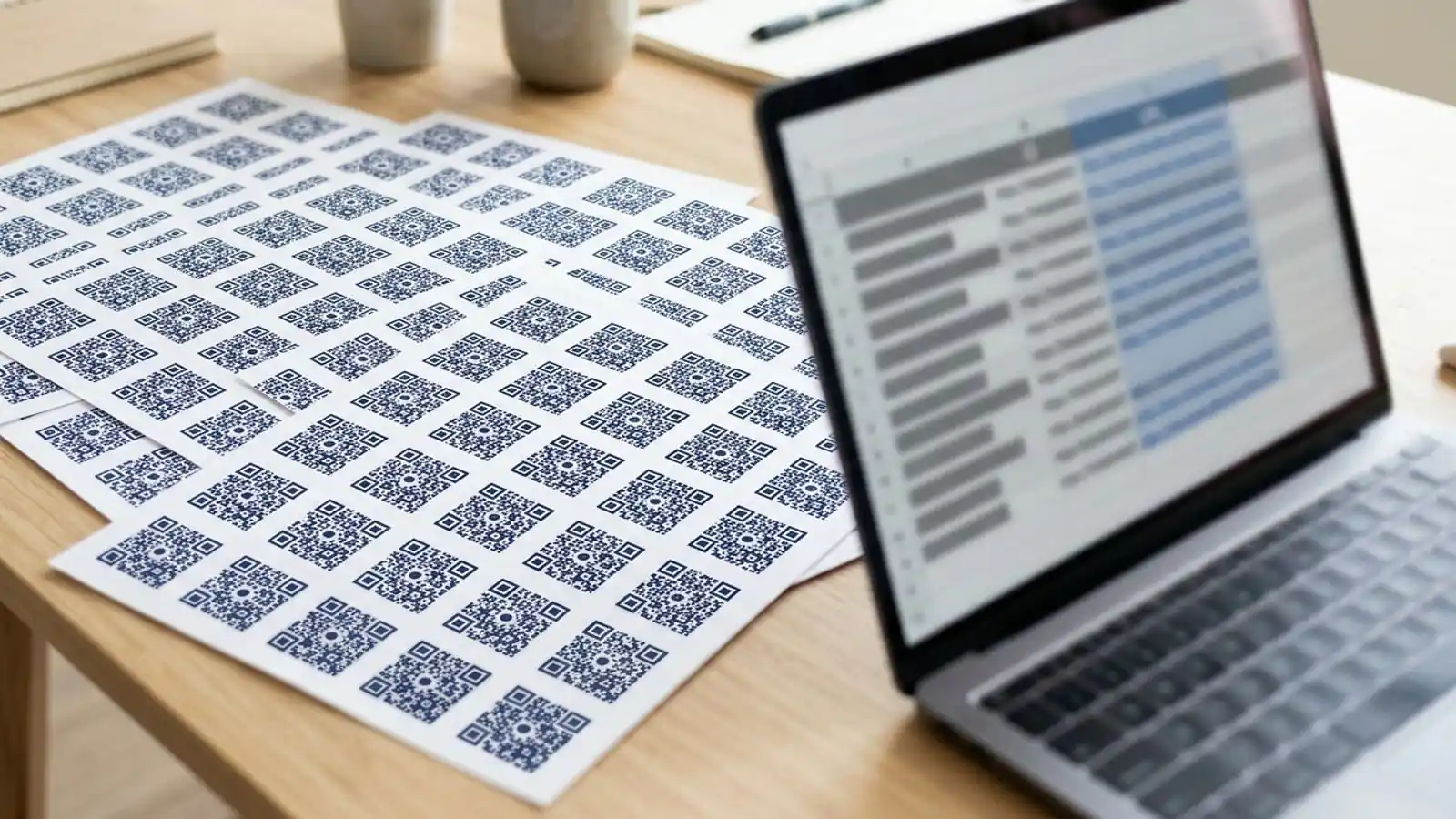
- Bulk generation from CSV, with validation for each row
- An API with authentication, rate limits, idempotency, and error behavior your customers can build on
- Custom domains for each customer, including DNS verification and TLS certificates
- Metering and billing that match how you resell the feature
None of this is exotic. Taken together, though, it's a backlog for a dedicated team, and none of it is your core product.
Build vs. buy vs. white label: the comparison
| Dimension | Build in-house | Link out to a third-party generator | White label QR platform |
|---|---|---|---|
| Time to first branded code | Months for dynamic codes and analytics | Immediate | Days (integration plus branding) |
| Your brand in the UI | Yes | No. Users see another vendor | Yes |
| Pricing control | Full | None. The vendor sets it | Full. You set end-user pricing |
| Dynamic redirects and uptime | Your on-call team | The vendor's | The platform's, under your brand |
| Abuse and phishing handling | You build it | The vendor | The platform |
| Analytics pipeline | You build and govern it | The vendor's dashboard, not yours | Pulled through the API and shown in your UI |
| API for your own features | You design and version it | Usually limited to the vendor's plans | Private API key |
| Cost shape | Mostly fixed: salaries plus infrastructure | Per-seat subscriptions your users pay to someone else | Prepaid usage credits |
| Lock-in risk | Low vendor risk, heavy maintenance | High, and customers leave your app | Moderate. You own the customer relationship, but printed codes on the provider's redirect domain still depend on that provider. A customer-controlled domain, where supported, reduces this |
Many teams end up in the middle column by accident, with a "Create QR" button that links out to another site. It's cheap, but it sends your customer to someone else's brand and pricing page.
How white label works on Max QR
Max QR's white label is built for platforms, agencies, and resellers that want to sell or embed QR features as their own. It's a branded QR generator for SaaS. Sales provisions it and you pay up front. It is not a monthly subscription.
<!-- EDITOR: Verify the $70 first purchase, $500 minimum later top-ups, and 12-month credit validity against current published pricing before publication. -->
- Your brand, your UI, your pricing. End users see your product. You decide whether QR is bundled, metered, or sold as a paid add-on.
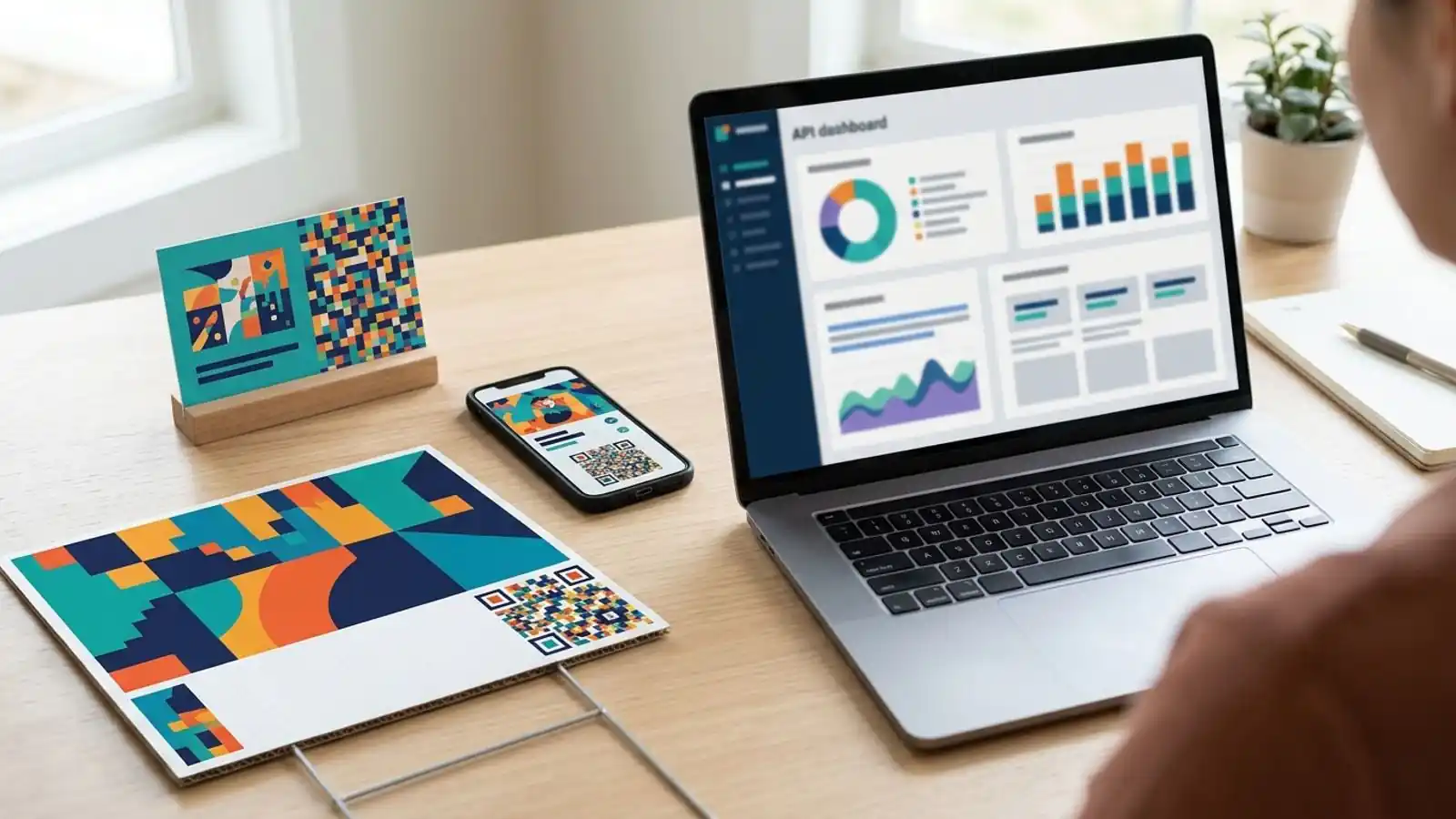
- Private API key. Requested through /contact and called from your backend to generate and manage codes.
- Prepaid credits. The first purchase is $70. Later top-ups start at $500.
- Burn as you go. Credits are used up as you process codes. There's no seat count.
- 12-month validity. Unused credits stay valid for 12 months.
- Hard stop at zero. Processing stops when the balance is empty. Finance will like that, since there are no surprise overages. It also means you should watch the balance and top up before campaigns.
The $70 entry point matters for the build-vs-buy decision. It's small enough to test the integration with real traffic before anyone commits a roadmap quarter.
When the Business plan is enough
<!-- EDITOR: Verify Pro and Business monthly and annual prices against current published pricing before publication. -->
Not every team needs white label. Say you're an internal team, or an agency running codes for your clients inside Max QR's own interface. The Business plan (about $49/mo, or about $39/mo billed yearly) includes bulk CSV, custom domains, the developer API, and team workspaces. Pro (about $19/mo, or about $15/mo yearly) covers dynamic codes, destination editing, scan analytics, and saved projects for individuals and small teams. The Free tier makes static codes with colors and logos and exports PNG and SVG, with no account needed for basic generation.
The dividing line is simple. If your end users should never see a third-party brand and you want to set their price, you need a white label QR platform. If you are the end user, Business or Pro fits.
| Situation | Best fit |
|---|---|
| One-off static code for a flyer | Free |
| Marketing team editing destinations and tracking scans | Pro |
| Ops team generating thousands of codes from CSV, with its own domain and API scripts | Business |
| SaaS company embedding QR creation in its product for its customers | White label |
| Agency reselling QR as a branded service at its own prices | White label |
| Print or packaging platform adding codes to customer orders | White label |
Integration pattern: embed QR codes in your product
The exact endpoints and payloads are in the docs. A typical integration looks like this:
- Keep the key on the server. Store the private API key on your backend only. Your frontend calls your API, and your API calls Max QR.
- Map tenants to codes. Save each returned code ID against your customer or account ID so you can edit destinations and fetch analytics later.
- Build your own UI. Offer a destination field, style options, and export buttons, all styled as your product. Check inputs such as URL format and color contrast before you spend credits.
- Choose static or dynamic on purpose. Use static for permanent content that will never need editing. Use dynamic when the code will be printed and the destination might change. Where supported, put the redirect URL on a domain you or your customer controls, so printed codes don't depend on a single provider's domain.
- Show analytics in your dashboard. Pull scan data and display it next to your own metrics. That's where the feature starts to feel native.
- Meter and resell. Tie credit usage to your plan limits or add-on pricing.
- Watch the balance. Set an internal alert well before the balance hits zero, and top up ahead of known peaks like seasonal print runs.
Print realities you inherit either way
Whether you build or buy, your customers will print these codes, and printed codes are permanent. Build these into your defaults and UI copy:
- Size for distance. A common rule of thumb is that a code scans from about ten times its width. Test on real devices for unusual placements.
- Prefer SVG for print. Scaling up a raster file blurs the module edges.
- Use dark on light. As of 2026, inverted and low-contrast codes still fail often across camera apps.
- Keep the quiet zone. Don't let layouts crowd the margin.
- Test before the press run. Scan proofs with several phones, under the lighting where the code will actually be used.
- Plan for destination changes on long-lived codes. If you expect to edit destinations after printing, use a managed redirect. A static code that encodes a URL on a domain you control can also be redirected server-side later, even though the QR image itself never changes.
Build-vs-buy checklist
Go through this with product, engineering, and finance together:
- [ ] Is QR generation part of what sets our product apart, or a supporting feature?
- [ ] Do we have people to run a public redirect service with uptime commitments that last years?
- [ ] Do we have a process for handling abuse and phishing in user-supplied URLs?
- [ ] Can we write our own retention and privacy policy for scan analytics?
- [ ] Do customers need custom domains, bulk CSV, and SVG export in the first version?
- [ ] Must end users see only our brand and our pricing?
- [ ] Is our usage spiky (seasonal or campaign-driven), so that prepaid credits fit better than fixed infrastructure?
- [ ] Could we ship a test integration within one sprint on a $70 starting balance?
If QR sets your product apart and you have the team to run it, building may be the right call. If most answers point to "supporting feature, our brand, ship soon," white label is the shorter path.
The honest trade-offs
White label has its own costs. You rely on the provider's uptime for redirects, you work within its API, and you have to manage a prepaid balance, because processing stops when credits run out. To limit the risk, monitor the balance, keep exports of your code-to-tenant mappings, and own the customer-facing UI so the relationship stays with you.
Exported mappings don't make printed codes portable on their own. If the encoded redirect URLs use the provider's domain, those codes keep working only as long as that provider keeps serving them, or as long as it cooperates with a migration. Where supported, use a customer-controlled domain for redirect URLs so you can repoint printed codes if you ever change providers.
Building gives you full control and no vendor dependency. The price is running a permanent service for a feature most customers simply expect to work. For most platforms, the scarce resource isn't money for credits. It's engineering attention.
Try it on Max QR
- See white-label terms and how credits work: White label pricing
- Request your private API key and branded setup: Contact sales
- Read the integration details before you scope the work: Docs
- Compare Pro and Business if you're the end user: Pricing
- Make a static code right now, no account needed: Max QR generator
Ready to ship QR under your own brand? Start with a $70 prepaid credit purchase. Review the white-label details, then talk to us and we'll set up your branding and private API key.
Try it on your campaign
Design a QR code in the browser — the same workflow we write about.