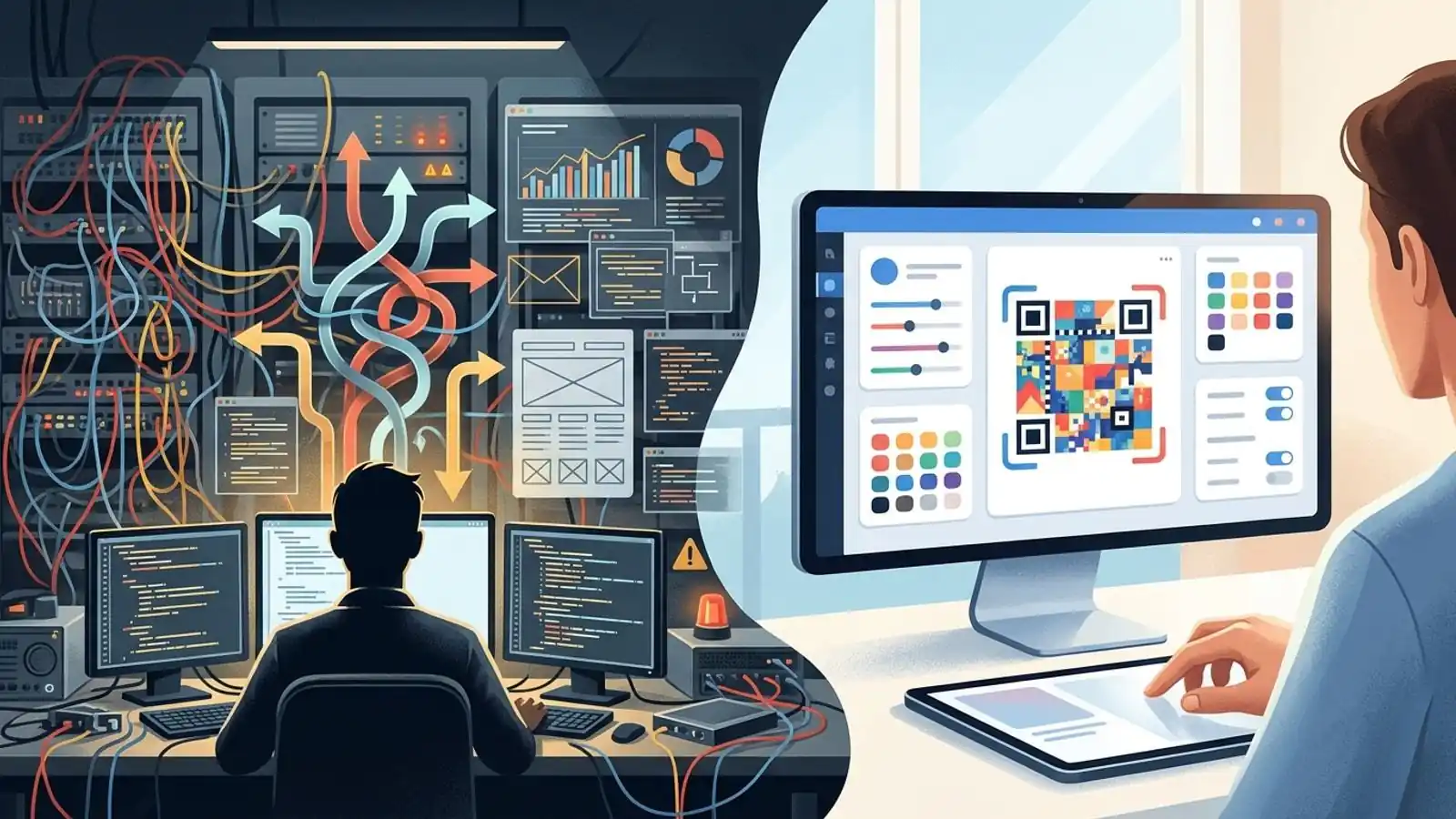
The Real Cost of Building a QR Stack (And Why Prepaid White-Label Credits Win)
Building QR code infrastructure looks cheap until you count dynamic redirects, abuse handling, export formats, analytics, and support. This guide covers the build vs buy math and shows where prepaid white-label credits fit.
Mike · · · 10 min read · 1,979 words
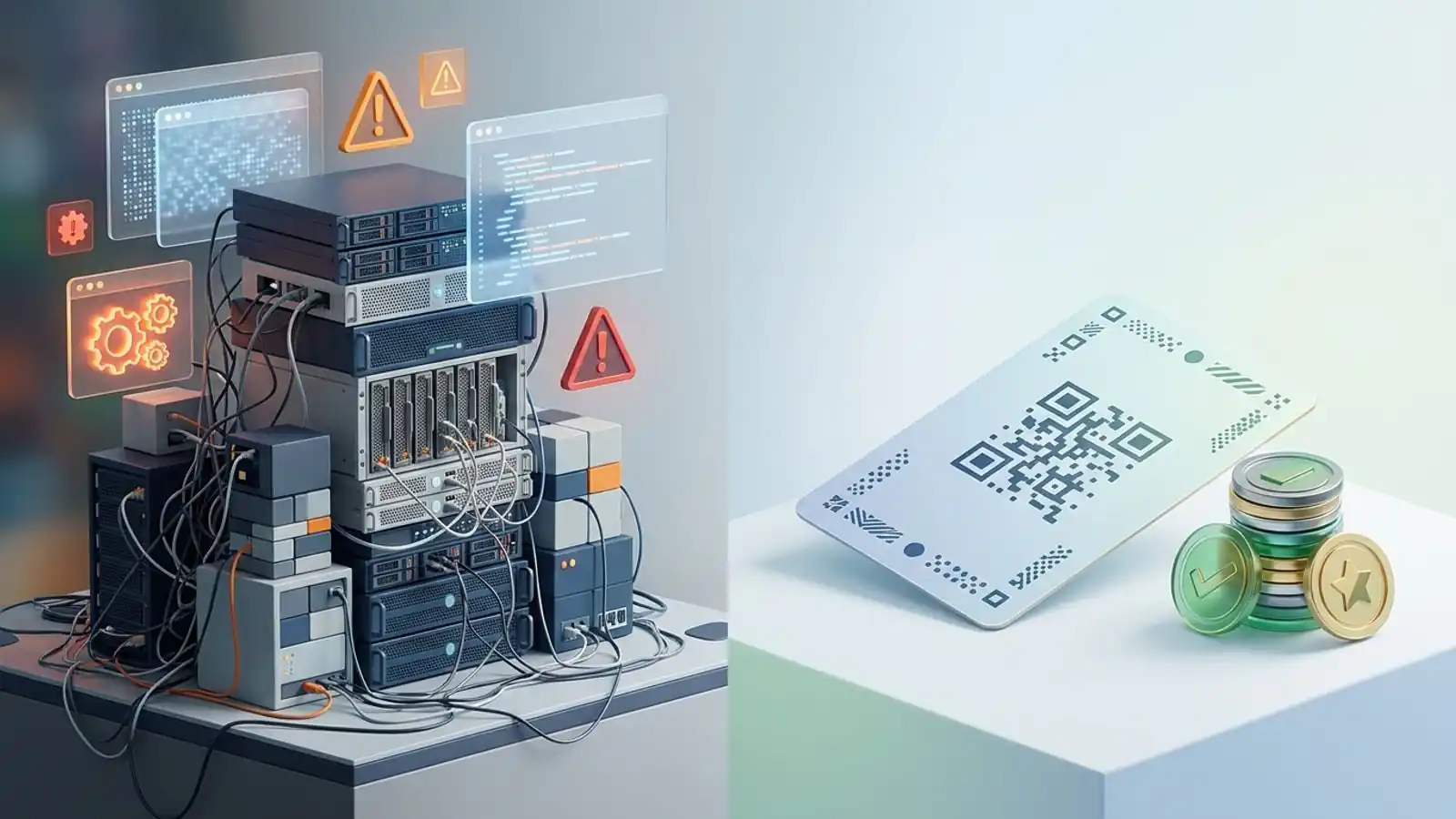
Why "build vs buy" is harder than it looks
Most build vs buy QR code infrastructure discussions start with a demo. An engineer installs an open-source encoding library, renders a PNG in an afternoon, and the team concludes that QR codes are a solved problem.
For static codes, that's mostly true. Turning a string into a matrix that follows ISO/IEC 18004 is well-documented work, and mature libraries exist in every major language.
Customers rarely pay for that matrix, though. They pay for what sits around it: editable destinations, scan data, print-safe exports, brand control, and a service that keeps working after a campaign goes to print. That surrounding layer is the QR stack, and it's where the cost lives.
This article goes through each layer, gives you a cost worksheet to fill in with your own numbers, and compares three paths: building it yourself, subscribing to a hosted plan, and reselling through prepaid white-label credits.
What a production QR stack actually includes
1. Generation and export formats
An encoder alone won't get you through print production. Teams usually end up handling:
- Vector and raster output. SVG for print and design tools, PNG for web and slides. Some print workflows prefer or require vector artwork, though a sufficiently high-resolution raster can also be print-ready. A low-resolution raster is a common reason a print job gets rejected.
- Error correction choices. QR defines four levels (L, M, Q, H), which recover roughly 7%, 15%, 25%, and 30% of damaged codewords. If you put a logo in the center, a higher error-correction level may help, but it isn't always required. Whether the code still scans depends on the logo's size and placement, so you need to test it.
- Quiet zone and contrast rules. The spec calls for a margin of four modules. Designers often crop it, and inverted or low-contrast color schemes fail on some scanners. You'll need either guardrails in the UI or a support process for these cases.
- Styling without breaking decoding. Rounded modules, custom eyes, and brand colors each add rendering code and a set of tests across real devices.
2. Dynamic redirects
Dynamic codes encode a short URL that you control and then redirect to an editable destination. Building that means:
- A redirect service with high availability. If it goes down, every printed code fails at the same moment.
- Short-link generation, collision handling, and a plan for link permanence. Once a code is printed, that URL has to keep resolving for as long as the paper exists.
- Custom domains if you serve agencies or enterprises. That brings DNS verification, TLS certificate issuance and renewal, and per-tenant routing.
- An editing UI, change history, and permissions so that one client can't redirect another client's codes.
3. Scan analytics
"How many scans?" is the first question every customer asks. Answering it properly involves:
- Capturing events on the redirect path without adding noticeable latency.
- Separating bots, link-preview crawlers, and security scanners from human scans. This is an ongoing tuning job, not a single filter you write once.
- Approximate location and device breakdowns, together with the privacy review, consent questions, and data-retention policy they require in your markets.
- Dashboards, CSV exports, and time-zone-correct aggregation.
4. Abuse and trust & safety
Teams new to this area tend to underestimate it. Any service that turns arbitrary input into a scannable redirect will attract phishing and malware campaigns, sometimes called "quishing." As of 2026, security vendors and public agencies keep warning consumers about malicious QR codes, which makes the problem hard to ignore. You will need:
- Destination screening at creation time and on every edit, because an attacker can create a harmless code and swap the destination later.
- An abuse-report intake, a review queue, and the ability to disable a code quickly.
- Monitoring of your own domain's reputation. If your redirect domain ends up on a blocklist, every customer's codes are affected.
- Rate limiting and account verification so the free tier doesn't become an attack tool.
5. Support, billing, and operations
- Tickets that say "my code doesn't scan," which usually turn out to be print, contrast, or quiet-zone problems. Someone has to diagnose them.
- Bulk jobs: CSV imports, validation errors, and partial failures.
- API keys, documentation, versioning, and backward compatibility for developers who build on your stack.
- On-call rotation, backups, incident response, and dependency upgrades, for as long as any printed code is still in circulation.
Cost worksheet: fill in your own numbers
Published "it costs $X to build" figures are usually guesses, so this section gives you a worksheet instead. Estimate each line with your own team, then multiply by your loaded engineering rate (salary plus benefits, overhead, and management time).
| Line item | One-time build effort | Ongoing effort per month | Often forgotten? |
|---|---|---|---|
| Encoder integration, SVG/PNG export, styling | Your estimate | Low | No |
| Logo placement + scan testing across devices | Your estimate | Low–medium | Yes |
| Redirect service + short links + HA | Your estimate | Medium (on-call) | No |
| Custom domains, DNS verification, TLS | Your estimate | Medium | Yes |
| Scan analytics pipeline + bot filtering | Your estimate | Medium | Yes |
| Privacy/retention review for scan data | Your estimate | Low–medium | Yes |
| Abuse screening, reporting, takedown tooling | Your estimate | Medium–high | Very often |
| Bulk CSV + public API + docs | Your estimate | Medium | Yes |
| White-label theming per client | Your estimate | Medium | Yes |
| Support for scan/print issues | — | Medium | Very often |
Then calculate:
- Build cost = (sum of one-time effort) × loaded rate
- Run cost per year = (sum of monthly effort × 12) × loaded rate + hosting + monitoring + security tooling
- Opportunity cost = what those engineers would have shipped on your core product instead
Two patterns tend to appear once teams fill this in honestly:
- The ongoing column is larger than the one-time column. Redirects and analytics never go away, and abuse handling tends to grow along with your user base.
- The cost of being wrong is asymmetric. A bug in a dashboard is an annoyance. A redirect outage or a blocklisted domain breaks codes that are already printed on packaging, menus, and signage, and you can't recall paper.
Three paths compared
| Build in-house | Hosted subscription (Pro / Business) | White label (prepaid credits) | |
|---|---|---|---|
| Upfront cost | Engineering time (see worksheet) | Monthly or yearly plan | First purchase $70 |
| Recurring commitment | Payroll + infrastructure, indefinitely | Pro ~$19/mo (~$15/mo yearly); Business ~$49/mo (~$39/mo yearly) | None. Top up from $500 when you need more |
| Your brand on the product | Yes | No, it's a Max QR-branded tool | Yes: your brand, UI, and pricing |
| Dynamic codes + analytics | You build them | Pro and above | Included in the platform |
| Bulk CSV, API, custom domains | You build them | Business | Private API key, provisioned through sales |
| Abuse handling + redirect uptime | Your team | Handled by the platform | Handled by the platform |
| Who it fits | Teams for whom QR is core IP | Teams using QR internally | Agencies, SaaS platforms, resellers |
The hosted plans are the right answer when you're the end user. If your marketing team needs dynamic codes and scan data, Pro or Business is usually the cheapest honest option.
The comparison changes when your customers are the end users and you want the product to carry your name. That's the case white label is built for.
Why prepaid white-label credits fit resellers
Max QR's white label is not a subscription. It runs on sales-provisioned prepaid credits, and the details matter for cost planning:
- $70 first purchase. For most salaried engineering teams, that's less than a few hours of loaded engineer time. Before you commit to an architecture, you can confirm the product works for your clients.
- Top-ups from $500. You add credit when your client volume justifies it, not on a fixed billing cycle.
- Burn as you go. You consume credits as you use them, so cost follows actual activity, and there are no idle seats billing in a slow month.
- Unused credits stay valid for 12 months. Size your top-ups to roughly a year of expected usage or less, and you won't pay for capacity you can't use.
- Your brand, your UI, your pricing. You set what your clients pay. Your margin is the gap between your price and your credit burn.
- A private API key, provisioned through /contact, so you can embed generation in your own product rather than sending clients to a third-party site.
The trade-off: an empty balance stops processing
Prepaid credits come with one operational rule you need to plan around: when the balance reaches zero, processing stops. That's what keeps spending predictable, since a usage spike can't turn into a surprise invoice. It also means you need to watch your balance:
- Assign someone to monitor the balance, the same way you would for any prepaid service.
- Top up before large client launches or bulk campaigns, not after.
- Compare your burn rate against the 12-month validity window so top-ups are neither too small (frequent interruptions) nor too large (credits that expire).
A budget that has a hard cap and doesn't renew automatically is usually easier to approve than an open-ended engineering roadmap.
When building still makes sense
Building is sometimes the right call:
- Static-only, internal use. If you only need static codes and never edit destinations, an open-source library and a small script may be all you need. In that case you don't need a stack at all. (Max QR's free tier also generates static codes with colors and logos, exports PNG and SVG, and doesn't require an account.)
- QR is your core intellectual property. If scan routing, attribution, or anti-counterfeiting is what you sell, owning the stack can be strategic.
- Hard isolation requirements. Some regulated or air-gapped environments can't use an external redirect service.
- You already run the hard parts. If your team operates a link shortener, an analytics pipeline, and a trust & safety function at scale, the marginal cost of adding QR is lower.
If none of these apply, building mostly means paying to recreate work that already exists, and then paying again every month to keep it running.
Decision checklist
Go through this list with engineering, product, and finance in the same room:
- [ ] Do our customers need dynamic codes (editable destinations)? If not, reconsider whether you need a stack.
- [ ] Do we need the product to carry our brand and our pricing? If yes, white label is the main option to evaluate.
- [ ] Have we estimated abuse handling as an ongoing cost, not just a launch task?
- [ ] Who is on call when the redirect service fails on a Saturday?
- [ ] Do we have a privacy and retention position for scan analytics in each market we serve?
- [ ] Can we support SVG export, logo placement, and print troubleshooting without pulling engineers off roadmap work?
- [ ] Do we need custom domains per client, including TLS renewal?
- [ ] What would the same engineers ship on our core product in the same period?
- [ ] Can finance work with a prepaid model: $70 to start, top-ups from $500, and credits that expire after 12 months?
- [ ] Who owns balance monitoring so that processing never stops unexpectedly?
If you checked "yes" on branding and "no" on wanting to staff redirects, analytics, and abuse handling long term, start with prepaid white-label credits and save your engineering time for your own product.
Try it on Max QR
- Resellers, agencies, and platforms: see how credits work on white-label pricing, then contact sales to provision your first $70 purchase, your branding, and your private API key.
- Using QR codes for your own team instead? Compare Pro and Business plans, or create an account to get started.
- Evaluating the integration? Read the developer docs before you scope anything.
- Just need a static code today? Use the free generator. No account is required.
Try it on your campaign
Design a QR code in the browser — the same workflow we write about.