Your Customers Should Never See Max QR: How White-Label Keeps the Brand Yours
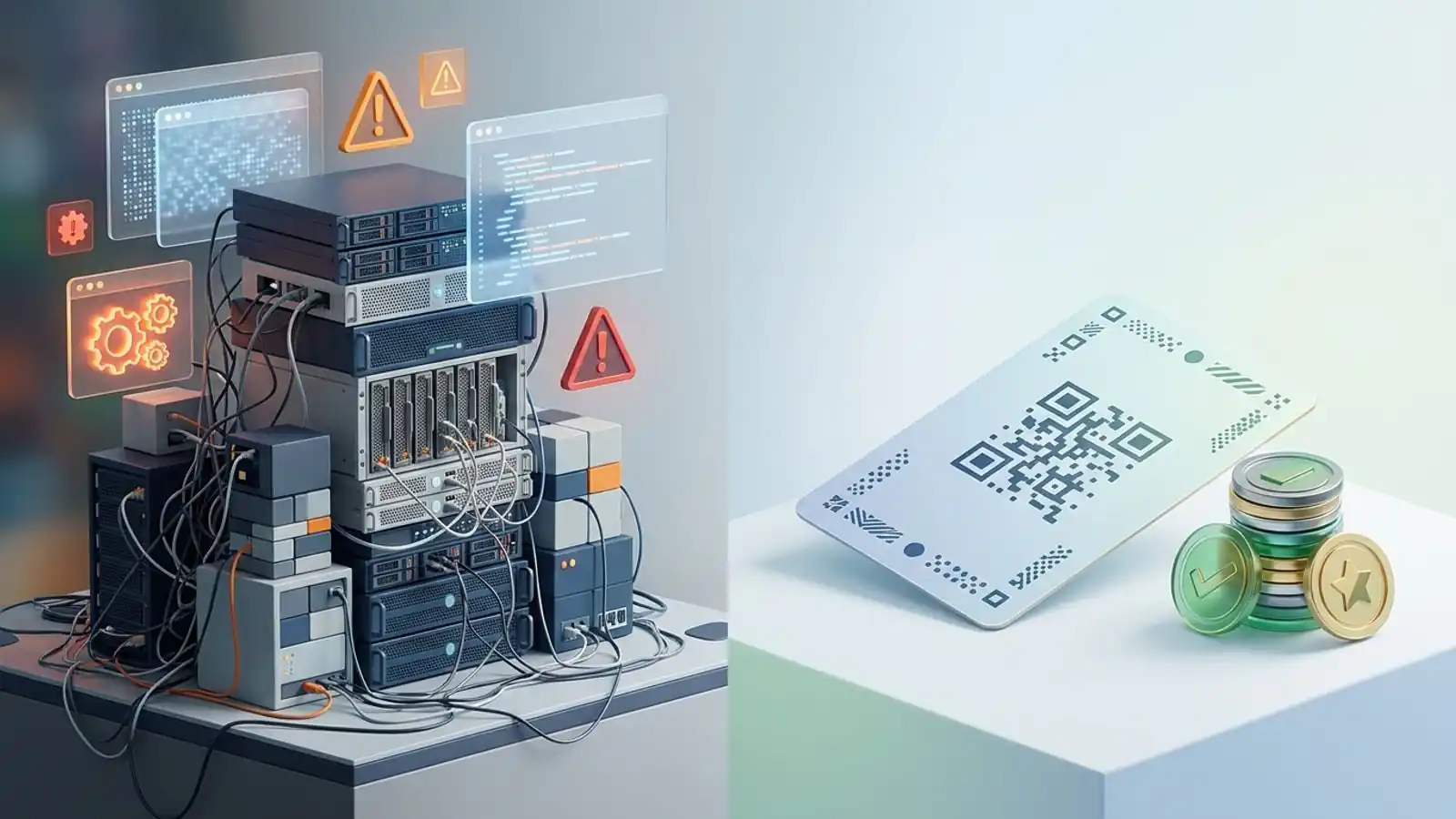
Free, Pro, and Business carry the Max QR brand. White label puts your own UI, pricing, domain, and private API key in front of clients. Here is what changes on each surface.
Mike · · · 9 min read · 1,968 words
The short version
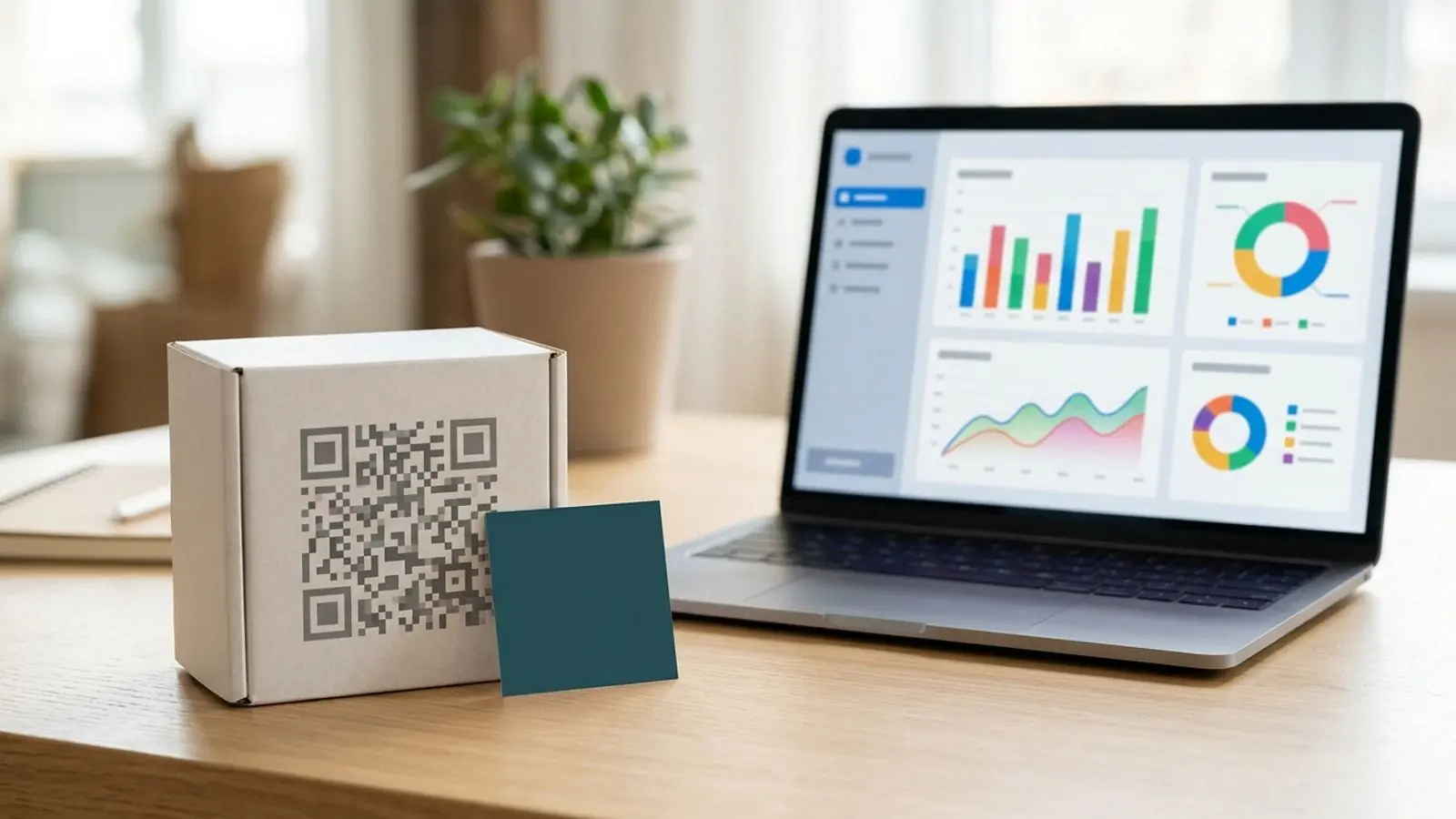
If you resell QR codes as an agency, a print shop, a SaaS platform, or a marketing consultancy, your client sees a brand every time they touch the product. On Max QR's Free, Pro, and Business plans, that brand is Max QR's. That's fine when you're the end user. It's a problem when you own the client relationship.
White label changes that. Your customers see your brand, your interface, your pricing, and your domain. Behind it, Max QR runs generation, redirects, and analytics through a private API key issued to you. This article covers which surfaces change, where the Business plan stops, and how to decide whether white label suits you.
Where brand actually shows up in a QR product
People often treat QR branding as colors and a logo in the middle of the code. That's the smallest part of it. A client using a QR platform sees a brand in several places:
- The code itself: colors, logo, frame. Every plan gives you control here, including Free.
- The redirect link: a dynamic QR code encodes a short URL, not the final destination. The domain in that URL is printed into every code, and it stays there.
- The interface: the dashboard where codes are created, edited, and measured.
- The pricing: what the client pays, how it's packaged, and whose name is on the invoice.
- The integration layer: the API your systems call and the key that authenticates them.
- Support and communications: who the client contacts when something breaks.
If you control only the first surface, you've customized a QR code. If you control all of them, you own a product. Real white label QR branding means owning that whole list.
Free, Pro, and Business: strong tools, Max QR's brand
Each self-serve plan is built for people using QR codes in their own work, and each does that job well.
Free
Free gives you static QR codes with colors and logos, exported as PNG or SVG. Basic generation needs no account. A static code encodes the destination directly, so there's no redirect domain. The trade-off is that you can't edit the destination after printing and you get no analytics. If you sent a client here, they would be using a Max QR tool.
Pro (~$19/mo, or ~$15/mo billed yearly)
Pro adds dynamic codes, destination editing, scan analytics, and saved projects. It's the plan for a marketer or small business running its own campaigns. The dashboard, account, and billing all carry Max QR's name.
Business (~$49/mo, or ~$39/mo billed yearly)
Business adds bulk CSV generation, custom domains, the developer API, and team workspaces. Custom domains are important here. They let the short link inside your dynamic codes use a domain you control instead of a shared one. For many in-house teams, that's enough brand ownership.
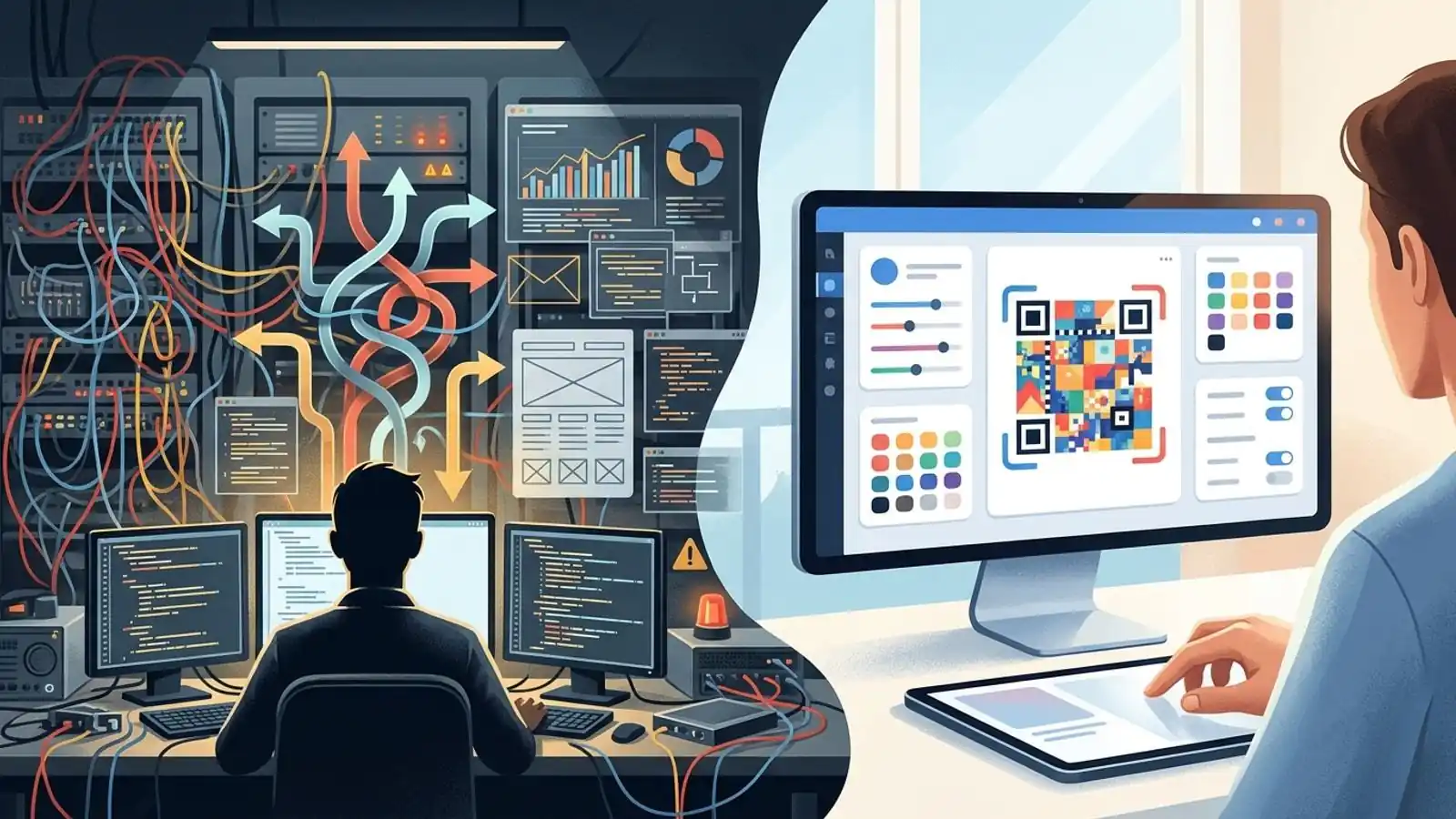
For a reseller, Business still has a limit. Your team logs into a Max QR workspace, and the pricing is Max QR's. If you give clients access, they're using a Max QR product with your domain on the links. That experience is co-branded. It isn't your product.
What white label changes
White label is a separate arrangement, not a bigger subscription. Sales sets it up, you fund it with prepaid credits, and it's meant for businesses that want to offer QR features to their own customers under their own name. It's the clean way to replace Max QR's branding with yours in the client-facing experience.
White label gives you:
- Your brand on the client-facing interface, redirect links, and pricing.
- Your UI, so the interface presents as your product.
- Your pricing. You decide what to charge and how to package it, and Max QR's plan prices never reach your customers.
- A private API key. Your systems connect to Max QR's infrastructure with credentials issued to you, so generation, redirects, and analytics can run inside your own product.
Put simply, your clients work with your product day to day, not Max QR's. Keep in mind that white label branding covers the surfaces above. Technical details such as link inspection or network information, support escalations, or disclosures required by your contracts may still reveal that Max QR is the underlying provider. Confirm during onboarding exactly what the arrangement brands, and plan your client communications on that basis.
Side-by-side: who owns each surface
| Surface | Free | Pro | Business | White label |
|---|---|---|---|---|
| Code colors and logo | You | You | You | You |
| PNG / SVG export | Yes | Yes | Yes | Yes |
| Dynamic codes and editing | No | Yes | Yes | Yes |
| Scan analytics | No | Yes | Yes | Yes |
| Redirect domain | n/a (static) | Shared | Your custom domain | Your brand |
| Interface clients see | Max QR | Max QR | Max QR | Yours |
| Pricing clients see | Max QR | Max QR | Max QR | Yours |
| API access | No | No | Developer API | Private API key |
| Billing model | Free | Subscription | Subscription | Prepaid credits |
Read the table by column. The first three columns differ in features. The last column differs in who owns the product. Confirm the specifics of domain and interface setup during white label onboarding so they match how you deliver to clients.
The redirect domain is the surface people forget
Of all the brand surfaces, the short link lasts longest. A dynamic QR code is a picture of a URL. Once it's on a menu, a product label, or a trade-show banner, that URL and its domain stay fixed until the item is reprinted.
This has two practical consequences:
- People can see it. Many phone camera and scanner apps show a preview of the link before opening it, though this varies by device, app, and settings. Where a preview appears and the domain belongs to a third-party QR generator, an attentive customer may notice.
- It outlasts your vendor decisions. Say you print thousands of codes on a shared domain and later rebrand or switch providers. The codes already out there still point at the old domain. Destination editing changes where the link goes, but it can't change what's printed.
That's why both Business custom domains and white label exist. If your only concern is the link domain on your own campaigns, Business may be enough. If clients need to see your brand on the domain and on everything around it, you need branded QR white label.
How white label economics work
White label doesn't use a monthly subscription. It runs on prepaid credits:
- First purchase: $70.
- Later top-ups: from $500.
- Validity: unused credits stay valid for 12 months.
- Consumption: credits are used up as your usage is processed.
- Empty balance: when credits run out, processing stops until you top up.
That last point needs operational attention. Treat your credit balance like any other critical resource. Monitor it, set an internal threshold that triggers a top-up, and make one person responsible for it. Your clients' campaigns depend on it. During onboarding, ask exactly which operations pause when the balance hits zero so you can plan around it.
The model's advantage is control over margin. You set client pricing, so you can bundle QR into a retainer, charge per campaign, or sell it as a feature tier in your SaaS. Pick whatever fits how you already sell. The $70 entry point lets you run a pilot with one or two clients before committing to larger top-ups.
The private label QR API
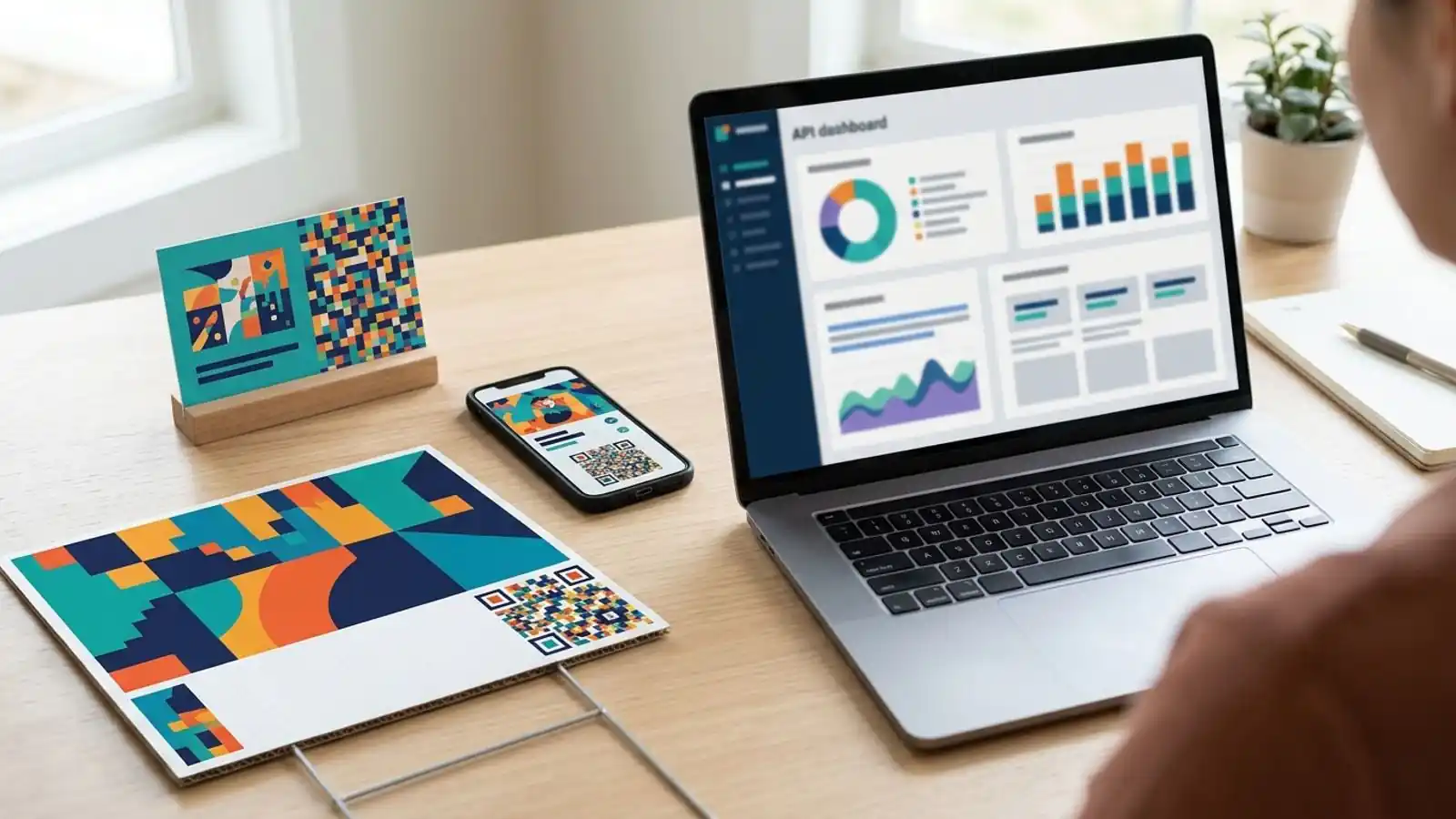
For platforms and agencies with their own tooling, the private API key turns white label from a dashboard into infrastructure. Clients don't have to log into anything. Your application creates codes, updates destinations, and pulls analytics for them, all inside your interface.
Some habits worth adopting:
- Keep the key server-side. Never ship it in client-side JavaScript or mobile app bundles.
- Separate environments. Ask how to handle test and production usage so experiments don't use up production credits.
- Log usage. Credits are used as you go, so your own logs help you match consumption to what you bill clients.
- Map clients to resources. Tag codes by client in your own system so reporting and billing stay clean as you grow.
The docs cover API concepts. The private key itself comes through white label onboarding via /contact.
Decision checklist: Business or white label?
Go through both lists. If three or more items in the white label list apply to you, white label is probably the better fit.
Business is probably enough if:
- [ ] You use QR codes for your own company's campaigns.
- [ ] Only your team logs into the dashboard.
- [ ] A custom redirect domain is your main brand requirement.
- [ ] A predictable monthly or yearly subscription suits your budget.
- [ ] Bulk CSV and team workspaces cover your volume.
White label is probably the right fit if:
- [ ] You sell QR codes or QR-enabled campaigns to clients.
- [ ] Clients would otherwise see a third-party tool's name.
- [ ] You want to set your own prices and package QR into your offer.
- [ ] You're building QR generation or analytics into your own software.
- [ ] You'd rather pay for usage with prepaid credits than a fixed subscription.
- [ ] Clients pay you partly for a consistent brand.
Print realities that apply on every plan
White label changes who owns the brand. It doesn't change what makes a printed QR code scan. Whichever plan you choose:
- Test before you print. Scan proofs on several iOS and Android phones, in the lighting where the code will actually be used.
- Keep contrast high. Dark modules on a light background are still the safest choice. Inverted or low-contrast palettes fail more often with some scanner apps.
- Leave a quiet zone. Keep a clear margin around the code. The QR specification calls for four modules.
- Size for distance. A common rule of thumb is about 1:10, code width to scanning distance. Use it as a starting point and then test.
- Logos cost error correction. A centered logo covers data modules. Use a higher error-correction level and keep the logo modest.
- Use SVG for print. Vector output scales cleanly. PNG is fine for screens.
Dynamic codes may help in one more way. Their encoded short URL is often shorter than the final destination, which can produce a less dense pattern. That can make small codes easier to scan, but it depends on the URLs involved and your QR settings, such as error-correction level, and it doesn't guarantee better scanning. If clients want codes on tight packaging, test at the actual print size.
Common questions
Can I start on Business and move to white label later?
Yes, you can start on Business. If you expect to move, mention it early in your white label conversation so existing codes and domains are planned for. Once a code is printed, the symbol and the domain encoded in it can't be changed without reprinting. A dynamic code's destination can often still be edited, but only while the redirect service behind that domain stays active.
Do my clients need a Max QR account?
The point of white label is that clients use your product. Whether they reach it through your UI or through your own app via the private API is your choice.
Is white label only for large companies?
No. The first credit purchase is $70, so a small agency can run a pilot. Larger top-ups start at $500 once demand is proven.
Try it on Max QR
- Compare plans and white label credits on the pricing page.
- Ready to offer QR under your own brand? Contact sales to set up white label, get your private API key, and make your first $70 credit purchase.
- Still evaluating? Make a free static code on the homepage, or sign up to try dynamic codes and analytics on Pro.
- Existing customers can check projects in the dashboard. For more, read the docs or the blog.
Try it on your campaign
Design a QR code in the browser — the same workflow we write about.