Put Your Brand in the Scan Path: Custom Domain QR Codes That Convert
Learn why custom domain QR codes earn more trust than generic short links, plus how to set one up, which domain format to choose, and what to check before you print.
Mike · · · 11 min read · 2,309 words
The domain is the one part of a QR code people actually read
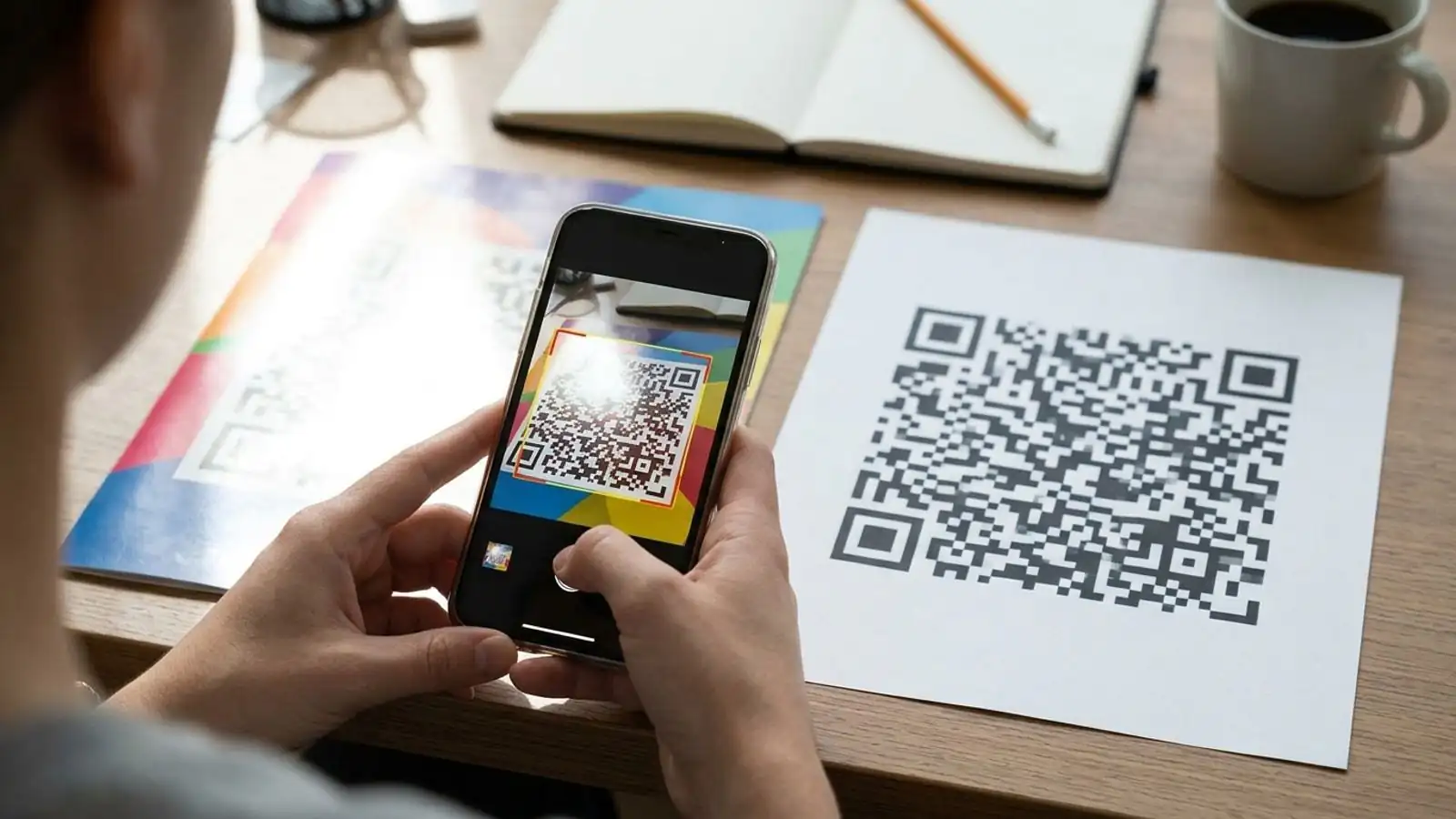
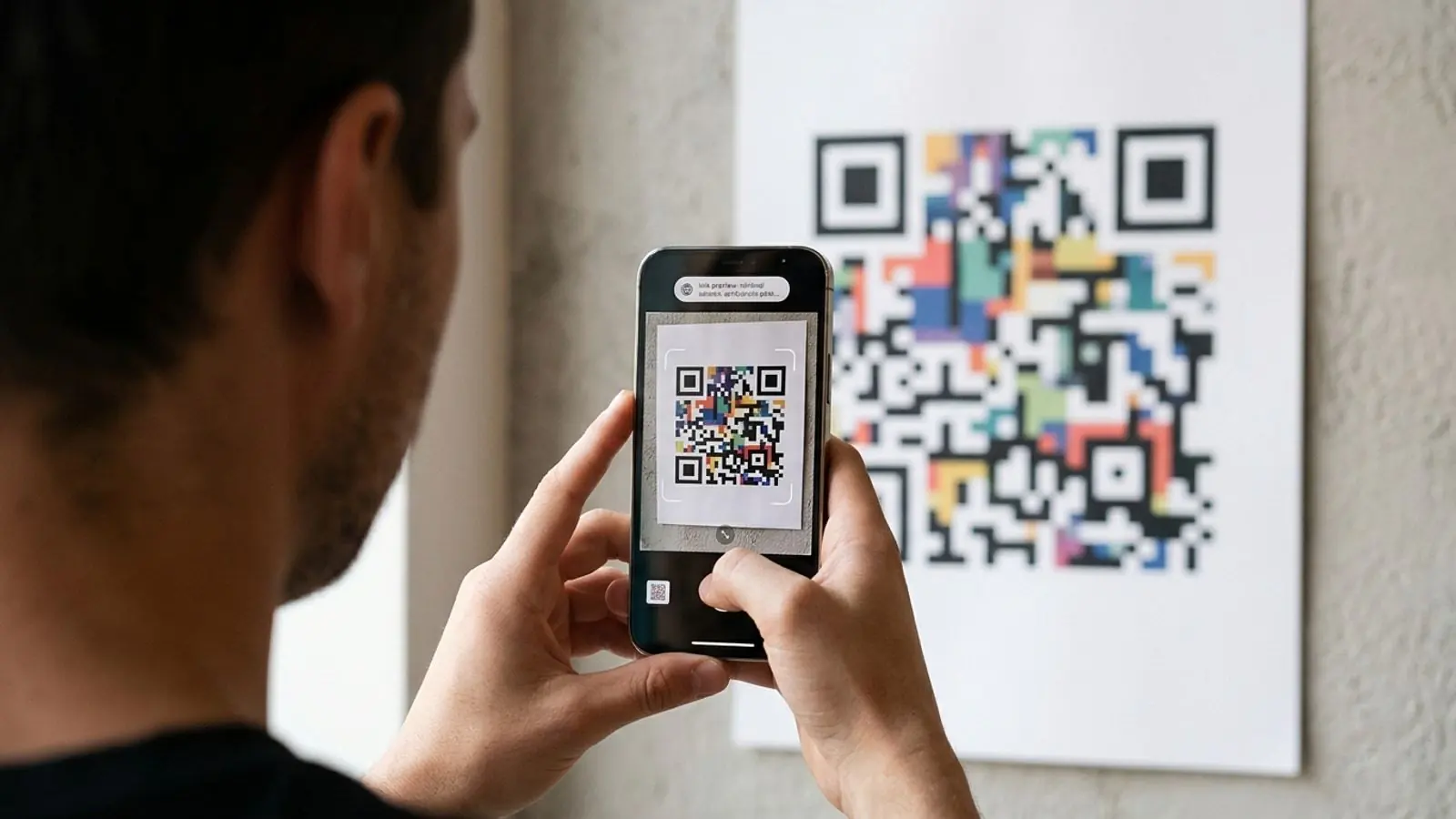
Nobody can read a QR code by looking at it. The black-and-white pattern tells a person nothing about where it goes. The first readable thing they get is the URL preview their phone shows after the camera decodes the pattern.
That preview is where the scan either keeps going or stops. If it shows a random string on a domain the person has never heard of, a careful user may pause or skip it. If it shows go.yourbrand.com/menu, the code feels like part of the brand that printed it.
Custom domain QR codes make use of that moment. This guide covers what they are, why they affect trust, how to pick a domain format, how to set one up, and what to check before anything goes to print.
What a custom domain QR code is (and isn't)
A dynamic QR code doesn't hold your final destination. It holds a short redirect URL. When someone scans it, the redirect service logs the scan and sends the visitor on to the destination you've set. You can change that destination later without reprinting the code.
By default, that short URL sits on the QR provider's domain. A QR custom domain replaces it with a domain or subdomain you own:
- Default:
provider-short.link/x7Kq2 - Custom:
qr.yourbrand.com/spring-sale
The scan still goes through the redirect service, and analytics and destination editing still work. What changes is the hostname the person sees and the hostname baked into the printed code.
What it isn't:
- Not a static code with your URL in it. A static code that points straight at
yourbrand.com/spring-salealso shows your domain. But its encoded URL can't be changed after printing, and the QR code itself doesn't provide scan analytics. You can still measure visits with analytics or tracking on the destination URL. A long URL also makes the pattern denser. - Not a landing page. The custom domain handles the redirect. Where the visitor ends up is a separate decision, covered below.
- Not a security guarantee by itself. A branded domain helps people judge trust. You still have to keep the domain, certificates and destinations in order.
Where trust is won or lost in the scan path
Think of a scan as four steps, each with its own chance of losing the person.
1. The camera preview
As of 2026, the built-in camera apps on mainstream iOS and Android phones show a link preview, usually the hostname, before opening anything. That's the first place people check where the code goes. A familiar domain passes the check quickly. An unfamiliar one makes people think about it.
2. Phishing awareness
Malicious QR codes, often called "quishing," are now a regular part of security training at many organizations. Codes get stuck over real ones on parking meters, posters and restaurant tables. People are increasingly taught to read the domain before they tap. A generic shortener domain is exactly what that training flags, because the same shortener could be used by anyone. A branded hostname can help people recognize the expected destination, but it isn't a security guarantee. Attackers can still register lookalike domains or stick their own code over yours.
3. The redirect hop
The redirect should be close to invisible: fast, over HTTPS, with no ad page or warning screen in between. Your custom hostname is what people see for the encoded link. After the redirect, though, the browser generally shows the destination URL. A custom domain doesn't by itself keep the visitor's sense of where they are consistent through the hop, so the destination should also be clearly recognizable.
4. The landing page
The visitor sees qr.yourbrand.com in the preview. If they then land on a page that looks unrelated, the trust you just built drops. The landing page needs to match the domain and the printed message.
The sections below work through each of these steps.
Branded short link vs. generic short link: decision table
Not every code needs a custom domain. Use this table to decide.
| Situation | Generic short link | Branded QR short link |
|---|---|---|
| Internal test, one-off event, prototype | Fine | Overkill |
| Customer-facing print (packaging, posters, direct mail) | Risky: looks anonymous | Recommended |
| Regulated or high-trust sectors (finance, health, government, utilities) | Likely to trigger suspicion | Strongly recommended |
| Codes asking for payment, login or personal data | Avoid | Strongly recommended, but it doesn't make the flow safe. Users should still verify the final destination and the service's security |
| Long-lived print (signage, product labels, manuals) | Ties you to a provider's domain for years | You control the hostname long-term |
| Multi-brand or agency portfolios | Every client shares one domain | Separate domain per brand |
| Platforms embedding QR for their own users | Exposes a third-party brand | Consider white label (see below) |
The long-lived print row is easy to overlook. A printed code keeps its hostname for as long as the item exists. If the hostname is yours, you may be able to move providers later without reprinting. That depends on the new provider supporting your domain and preserving or recreating your existing paths and redirects, so repointing DNS alone may not be enough. If the hostname belongs to a vendor, you don't have that option.
Choosing the domain format
You have three realistic options.
| Format | Example | Pros | Cons |
|---|---|---|---|
| Subdomain of main domain | qr.yourbrand.com, go.yourbrand.com |
Instantly recognizable; no new domain to buy; inherits brand trust | Slightly longer; DNS changes need whoever controls the main domain |
| Dedicated short domain | ybrd.co, yb.link |
Shortest URL; least dense code | People may not recognize it; another domain to renew and protect |
| Path on main site | yourbrand.com/qr/... |
Maximum recognition | Usually needs web server or CDN redirect rules; harder to hand off to a QR service |
For most teams, a subdomain is the best default. People recognize it, it's short enough, and setup is usually one DNS record. Choose a dedicated short domain only if you have a real space problem, such as tiny labels, and you're prepared to make that domain recognizable in its own right.
Subdomain naming tips
- Keep it short and plain:
go,qr,scan,link. - Avoid labels that look technical or alarming, like
redirect,trackorr1. - Use one subdomain across the organization so people learn it.
Slug naming tips
The slug is the path after the domain. Since it shows up in the preview, it should be readable:
go.yourbrand.com/menubeatsgo.yourbrand.com/aX93k.- Use lowercase, hyphenated, human words.
- Don't put dates or campaign codes in slugs on long-lived print. You can change the destination later, but you can't change the slug once it's printed.
Setup: DNS and the details that break
The exact steps depend on your provider, but the pattern is usually the same:
- Pick the hostname, for example
go.yourbrand.com. - Add it in your QR platform so the platform expects traffic for that host.
- Create the DNS record, usually a CNAME from your subdomain to the target your provider gives you. Max QR's current record values and steps are in the docs.
- Wait for propagation and certificate issuance. HTTPS has to work before you print anything. A certificate warning on a QR redirect does more damage than a generic domain would.
- Verify on real devices over mobile data and Wi-Fi, not just on your office network.
Common failure points:
- Apex domains. Many DNS providers don't allow a CNAME at the root (
yourbrand.com), which is one more reason to use a subdomain. - Conflicting records. If an old A record or CNAME already exists for the hostname, remove it first.
- CAA records. If your domain limits which certificate authorities can issue certificates, check that your provider's issuer is allowed.
- Ownership gaps. The marketing team requests the domain, but IT owns DNS. Agree on who owns the record before launch.
Designing the trust QR landing page
The custom domain gets people through the preview. The landing page decides whether they convert. A good trust QR landing page does five things:
- Matches the printed promise. If the poster says "Scan for 20% off," the discount should be visible without scrolling.
- Uses the same brand. Same logo, colors and name as the printed piece and the domain. Don't send traffic from a branded domain to a generic third-party form.
- Loads fast on a phone. People scan on mobile data, often outdoors or in a queue. Use light pages, compressed images and no heavy pop-ups.
- Stays on HTTPS from start to finish. The redirect and the destination both need valid certificates.
- Asks for as little as possible. Every extra field or required app install loses people. For payments or logins, make sure the final domain is clearly yours too.
Message match runs across the whole path: printed call to action → domain in the preview → landing page headline. If all three say the same thing, people trust it. If any one is off, they hesitate.
Print realities that affect custom domains
A custom domain changes what's encoded, so it affects how the code prints.
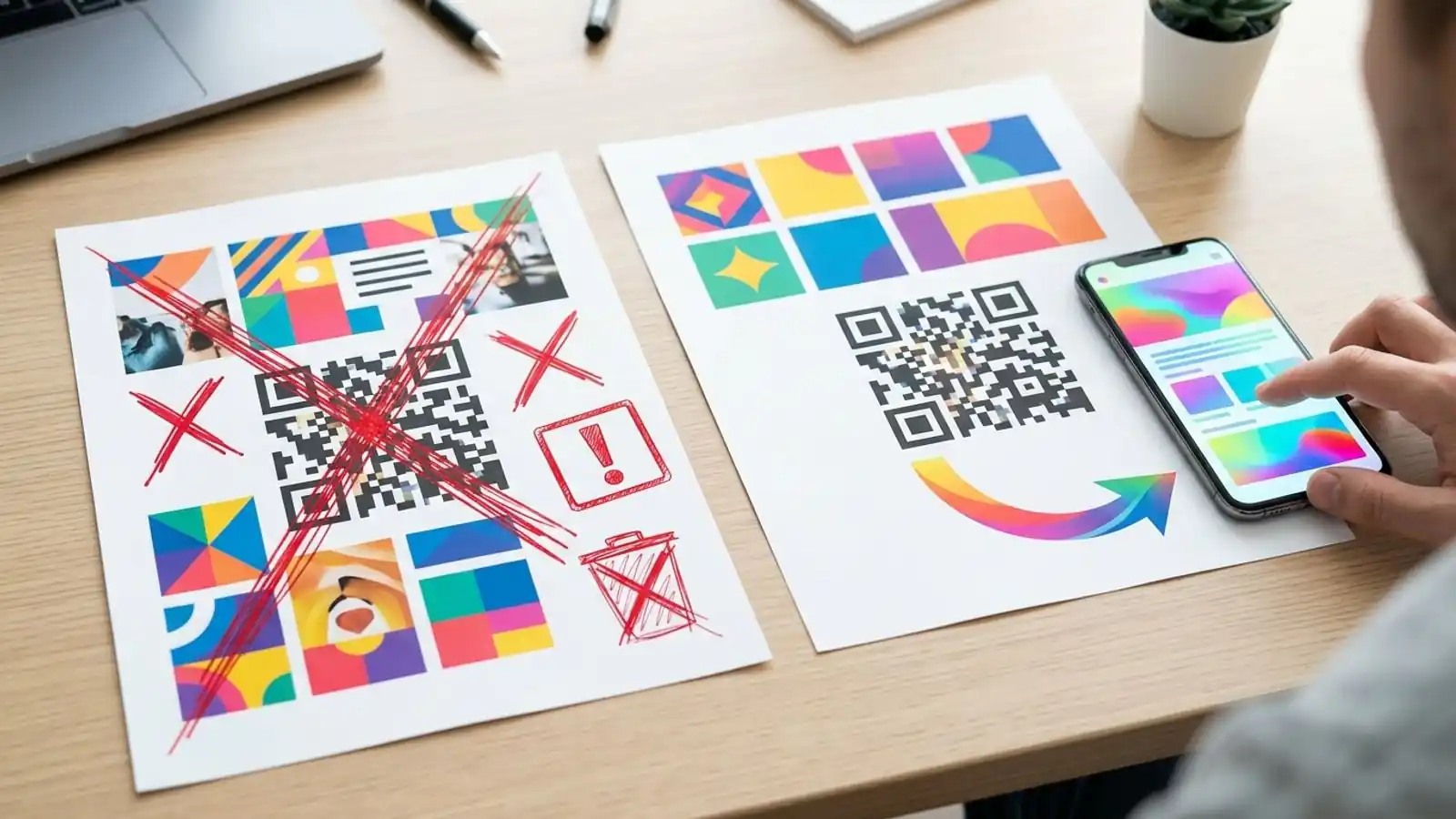
- URL length affects density. Longer encoded data can require a higher QR version, which means more modules (the small squares) in the code. Versions increase in steps, so a few extra characters don't always change the size. The result also depends on the encoding mode and error-correction level. In general, a short host and slug keep the code less dense and easier to scan at small sizes and from a distance. A subdomain on a reasonably short brand name is usually fine, while very long hostnames are more likely to add density.
- Quiet zone. Leave the required clear margin around the code. Designers often crop it, and that can make scanning less reliable. Size, contrast, print quality and camera conditions also play a part.
- Contrast. Dark modules on a light background are the safest choice. Inverted or low-contrast color schemes fail on some scanners.
- Logos and error correction. A logo in the middle covers modules, so use a higher error-correction level and test it. A shorter URL leaves more room for that.
- Test the printed material, not the screen file. Scan a proof on the real paper or substrate, at the real size and distance, with several phones, both new and older.
- Show the URL in print. Printing
go.yourbrand.com/menuunder the code gives people a fallback and lets them check the code before scanning.
Domain longevity is a print decision
A printed code needs its hostname to keep resolving, but that alone isn't enough. The redirect service, routing, HTTPS certificate and destination all have to stay operational too. Treat a QR domain like infrastructure:
- Turn on auto-renew for the domain.
- Don't let a dedicated short domain lapse. If someone else registers it, they control every code you've printed with it.
- Document the DNS record so a future website migration doesn't delete it by accident.
- Keep certificate renewal, redirect rules and destinations under monitoring for as long as the printed material is in circulation.
Pre-print checklist for custom domain QR codes
Use this before any customer-facing run:
- [ ] Hostname chosen (subdomain recommended) and approved by the domain owner
- [ ] DNS record created and resolving publicly
- [ ] HTTPS valid on the redirect host, with no certificate warnings
- [ ] Slug is short, lowercase and readable
- [ ] Destination tested on iOS and Android, on mobile data and Wi-Fi
- [ ] Landing page matches the printed call to action and brand
- [ ] Landing page loads quickly on a mid-range phone
- [ ] Quiet zone kept in the final artwork
- [ ] Contrast and logo placement tested on a physical proof
- [ ] Readable URL printed near the code as a fallback
- [ ] Scan analytics confirmed (a test scan appears in reporting)
- [ ] Domain auto-renew on and DNS record documented
Common mistakes
- Branding the domain but not the destination. The preview looks trustworthy, then the visitor lands on an unbranded form.
- Printing before the certificate is live. The first scans fail or show warnings, and those people rarely scan again.
- Using a different subdomain for each campaign. People never learn any of them. Use one host and vary the slug.
- Encoding a long tracking URL in a static code. Put the UTM parameters on the destination behind a dynamic short link and keep the encoded URL short.
- Nobody owns the domain. Codes outlive campaigns and sometimes outlive the people who ran them.
When white label is the better fit
The above assumes you're a brand putting your own domain on your own codes. Platforms are different: SaaS products, print marketplaces and agencies that build QR generation into their own product for their own customers. If you already run your own domain setup and want the whole experience under your brand, including the UI, pricing and API, a custom domain alone isn't enough.
That's what Max QR's white label option is for. It's sales-provisioned with prepaid credits rather than a subscription, and it comes with a private API key. You can start the conversation through contact.
Try it on Max QR
<!-- EDITOR: Verify the $49/month and ~$39/month (billed yearly) Business prices against the live pricing page immediately before publication. -->
Custom domains are part of the Max QR Business plan, alongside bulk CSV generation, the developer API and team workspaces. At the time of writing, Business is listed at about $49/month, or about $39/month billed yearly. Prices can change, so check the pricing page for current rates. If you just need dynamic codes with editable destinations and scan analytics for now, Pro covers that.
- Compare plans on the pricing page
- Read the custom domain setup steps in the docs
- Start building codes in the dashboard, or create an account
- Read more print and QR guides on the blog
Try it on your campaign
Design a QR code in the browser — the same workflow we write about.